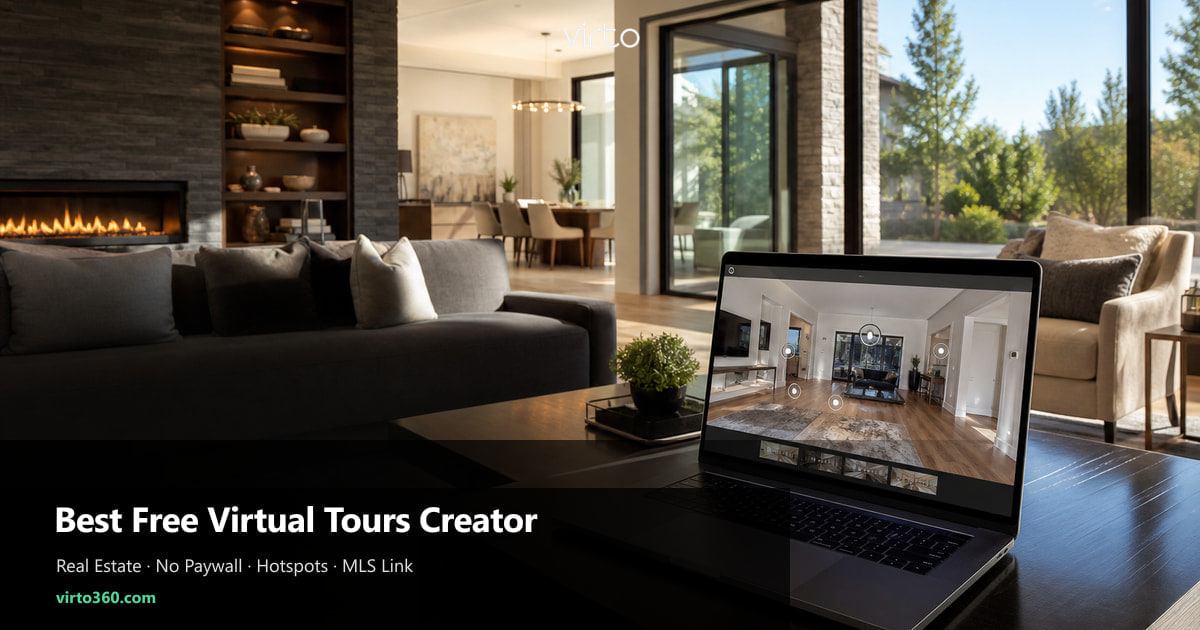
Best Free Virtual Tours Creator for Real Estate
Most “free” tools stop being free after the third listing. Here is how to pick a creator that agents can actually live with — and what we built Virto 360 to solve.
If you manage more than a handful of listings a year, “free virtual tour software” usually comes with fine print. One tour per month. A logo stamped across the living room. Embeds locked behind a paid tier. Links that die when the trial ends — right before a buyer forwards the URL to their partner.
Agents do not need another subscription category. You need a creator that turns 360° room files into a walkthrough, gives you a link for MLS, and stays out of the way. That is the bar this guide uses — not feature fireworks, but whether the tool survives a normal production week in a busy office.
What “free” usually hides
Marketing pages love the word free. The details live in pricing footnotes. Before you commit a team, scan for these patterns — they are the ones that cause Friday-afternoon panic when a seller asks why the tour shows someone else’s branding.
- Tour caps — “3 active tours” sounds fine until spring listing season
- Branded watermarks on the viewer — fine for demos, awkward on a $800k listing
- Paid embed or custom domain — your brokerage site becomes a billboard for the host
- Per-scan hardware lock-in — great tours, but every new address invoices separately
- Expired hosting — the MLS link worked last month; now it 404s mid-showing
The five things a real estate creator must do
Skip the feature checklist on the homepage. Run your next listing through this filter instead. If a tool fails one item, you will feel it on the first property that matters.
- Accept standard equirectangular JPGs from Ricoh, Insta360, or your photographer — no proprietary upload pipeline
- Let you place hotspots at doorways so buyers walk room to room, not slide through unrelated scenes
- Publish a plain https URL that MLS boards and Zillow accept without a special integration
- Load fast on a phone over LTE — most first views happen on mobile, often from a portal app
- No per-listing fee to publish — fair-use hosting, not a paid unlock for the share link
Why we built Virto 360 around agents
Virto 360 is free to start — not a limited trial that upsells you mid-listing to remove a watermark. Upload panoramas in the browser, name scenes by room, connect them with hotspots, and publish. Hosting is fair-use: enough for listing walkthroughs, not unlimited enterprise storage forever. The Share panel gives you the MLS link, a QR code for window signs, and an iframe if your brokerage site embeds tours on property pages.
That matters because listing work is repetitive. You are not looking for a creative sandbox once a quarter — you are looking for a reliable twenty-minute step between “photos delivered” and “link in remarks.” Optional AI cleanup for a visible cable or a blown window helps when retouching would delay go-live, but the core job is still upload, link rooms, send URL.
Free creator vs paid capture service
Paid scan services deliver polished results and sometimes floor plans — worth it on luxury listings where the marketing budget expects it. For the median residential listing, a free creator plus a $300–$400 camera (or a photographer you already use) covers the same buyer need: walk the rooms before the first showing.
The split is economics, not quality. A creator like Virto removes hosting cost from every address. You invest once in capture — phone, Ricoh Theta, Insta360 — and reuse the same workflow on twenty listings. Paid platforms that charge per property make sense when they also bring the camera crew. When you already have the files, paying again to host them rarely adds buyer value.
A practical rollout for a small team
Do not migrate every old listing on day one. Pick the property going live this week. Build the tour, paste the share link into MLS virtual tour or media URL fields, embed on your site if you have a listing template, and print a QR for the open house. After syndication syncs, open the Zillow app and confirm the tour button appears.
Once one agent proves the loop — shoot, upload, publish, syndicate — clone the playbook. Same room naming convention, same hotspot placement at doorways, same link in the first line of remarks where mobile boards do not truncate. Consistency beats exotic features every time.
Red flags when comparing tools
- Cannot test a full tour without entering a credit card
- Share link changes every time you edit — breaks MLS entries you already filed
- No way to set the opening view — your preview thumbnail shows a closet ceiling
- Viewer requires an app install — buyers bounce
- Terms say tours may be deleted after inactivity — risky for rentals and relists
Where to go next
If you already have panoramas, the create guide walks upload to publish in one sitting. If you still need capture, the shooting guide covers room order and tripod height. For distribution, the MLS and Zillow article covers paste locations and syndication timing — use the same share URL everywhere so buyers never land on an old version.
Where to go next
For listing walkthroughs, see virtual tour software for real estate.
Frequently asked questions
Is Virto 360 free for real estate listing tours?
Yes to publish: no per-listing fee, no watermark, and no paid unlock for share links, QR codes, or embeds. Hosting is fair-use — free is for walkthroughs, not unlimited enterprise storage forever. Paid plans add capacity as you grow.
Will a free virtual tour hurt listing presentation?
Buyers care about clarity and speed, not whether you paid a hosting invoice. A well-linked walkthrough with clean panoramas outperforms a branded slideshow that loads slowly — regardless of price tag.
Do I need special software on my computer?
No. Virto 360 runs in the browser. Upload JPG or PNG equirectangular files, edit hotspots online, and publish — no desktop stitcher required if your camera or photographer already exports 360° images.
Can my whole brokerage use one free account?
Each agent can register separately so tours stay organized by listing agent. There is no enterprise gate on publishing — teams scale by account, not by invoice.
What is the fastest way to test if a creator fits our MLS?
Publish a private demo tour, paste the https link into a test listing or internal board field, and open it on an iPhone without Wi‑Fi. If it loads and navigates in under ten seconds, it will survive buyer traffic.