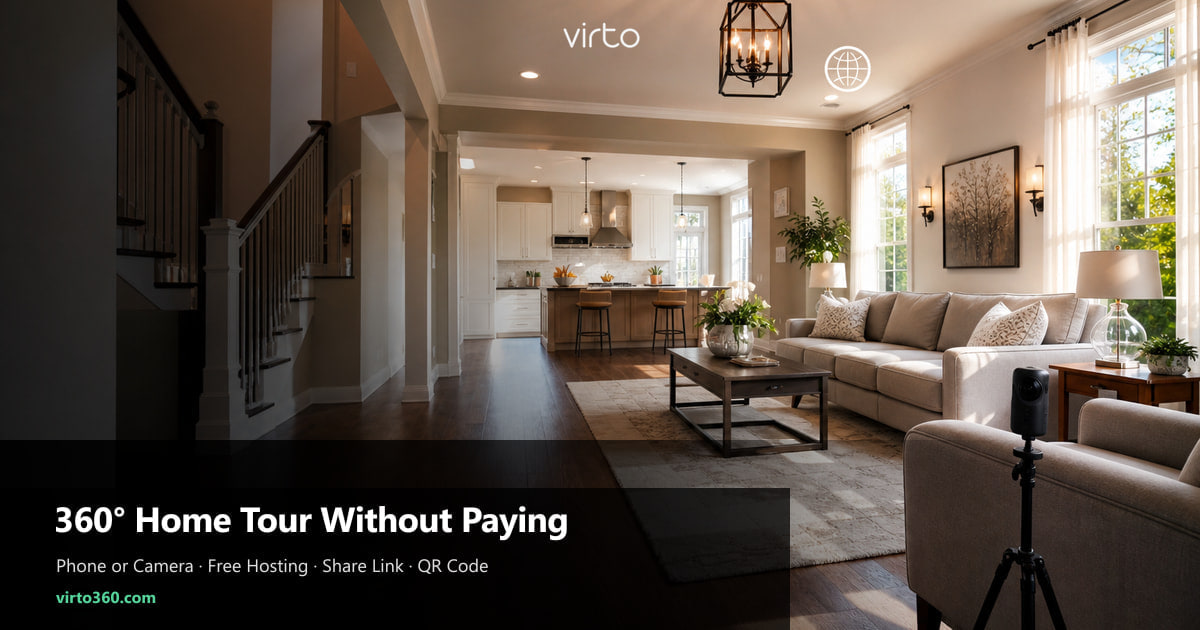
Best Way to Give a 360 Tour of a Home Without Paying for It
You do not need a scanning-crew invoice to let buyers walk a property on their phone. Here is the zero-budget path that still looks professional.
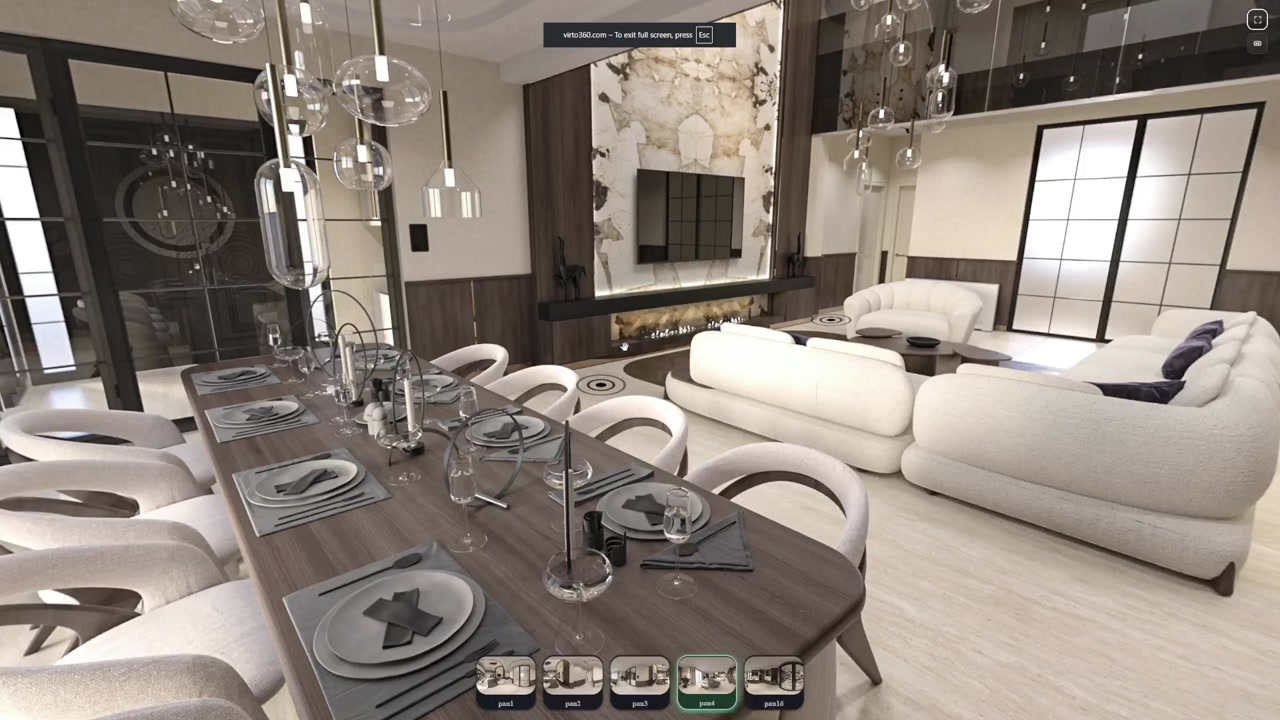
Sellers ask for “something like Zillow 3D” and assume it means a four-figure scan budget. It does not. Buyers want to stand in the kitchen and decide if the light works — not read a vendor pitch about laser accuracy. You can deliver that experience with still panoramas, a free editor, and a link that opens in Safari.
Where the money usually goes — and what you can skip
Paid 360 platforms charge for capture hardware, per-property hosting, or both. That model makes sense when the vendor sends a technician and delivers a floor plan. When you already have access to a camera — or even a recent phone — the expensive part is often just hosting and navigation UI. Skip the invoice by separating capture (your side) from publishing (a free browser tool).
- Skip monthly hosting — use a platform with no tour limit and no expiry
- Skip desktop stitching software if your camera exports a ready JPG
- Skip buyer app installs — https links work in every mobile browser
- Skip duplicate links — one URL for MLS, email, texts, and QR signs
Capture options when your budget is literally zero
The best camera is the one you can borrow today. Office Ricoh Theta, photographer’s Insta360, even a newer iPhone with a supported 360 app — all produce files you can upload. Perfection matters less than coverage: buyers forgive a slightly soft bedroom if they can reach the primary bath in two taps.
- One-shot 360 camera — fastest; stand in each doorway, trigger, move on
- Phone 360 app — slower but workable on vacant staging days
- Photographer deliverables — ask for equirectangular JPGs, not a locked vendor link
- Existing still panoramas — if you shot an open house last year, reuse and update one room
Shoot at chest height, lights on, blinds open, people out of frame. Turn on every lamp — phone sensors struggle in dim corners and buyers equate dark tours with dark houses.
Turn stills into a walkthrough — free
Upload your JPGs to Virto 360 and name scenes the way buyers think: Kitchen, not IMG_1042. Set the opening view toward the island or the view window — that angle becomes the link preview when you text the URL. Add hotspots where someone would step next; hallway, then bed two, then back to living. Dead ends feel like broken listings.
Hit Finish when navigation feels natural on your phone. You get a share link, embed code, and QR download in one screen. The whole publish step is free — there is no “upgrade to send link” gate.
How to deliver the tour without spending on distribution
Distribution is often where agents accidentally spend — printing vendor-branded flyers, buying QR services, paying for iframe plugins. None of that is required.
- MLS — paste the https share URL into virtual tour or media fields; most boards accept standard links
- Texts and email — same URL; buyers on Android and iPhone open it instantly
- Open house — download the free QR PNG from Share and tape it to a sign-in table or yard rider
- Social — link in Stories or posts; preview thumbnail uses the opening view you set
- Brokerage site — optional iframe embed if your template supports HTML blocks
When a free 360 tour is enough — and when it is not
Free walkthroughs excel on typical residential listings where speed and reach beat millimeter measurements. They struggle when the buyer pool expects measured floor plans, dollhouse views, or construction-phase BIM overlays. Know which sale you are in before you promise magic.
For lease renewals, rentals, and mid-market resales, a clear 360 link often generates more showings per dollar spent (zero) than a glossy PDF brochure. Save paid scans for architectural custom builds where the buyer expects CAD-level fidelity.
Common zero-budget mistakes
- Uploading phone photos that are not full 360° — partial panoramas break navigation
- Publishing before testing on cellular data — Wi‑Fi-only checks lie
- Different links on MLS vs flyer — pick one canonical URL
- Forgetting return hotspots — buyers should not use the back button to leave your tour
- Leaving the tour private — Finish must publish or buyers see a blank gate
Thirty-minute version for a Sunday open house
Arrive forty minutes early. Shoot six rooms. Upload while coffee brews. Link hotspots at doorways only — no fancy labels. Publish, text the seller the link for approval, print one QR. You will not match a paid scan’s polish, but you will give remote buyers a reason to book an in-person showing — which was the whole point. When you want the no-watermark, no-card publish checklist, see the Virto 360 free plan: free 360 virtual tour software.
Frequently asked questions
Can I really host a 360 home tour for $0?
Yes. Virto 360 charges nothing to upload, edit, publish, and share tours. Your only costs are capture — camera you own, borrow, or hire — and optional print for QR signs.
Do buyers need to download an app?
No. The share link opens in mobile or desktop browsers. Gyro panning works on phones when they tilt the device — still without an install.
Is a phone good enough for a listing tour?
For many listings, yes — especially vacant homes with good light. Dedicated 360 cameras are faster and more consistent, but a phone beats no tour when the listing goes live tomorrow.
How many rooms do I need minimum?
Six to eight scenes cover most buyers: entry, main living, kitchen, primary suite, bath, and outdoor space if relevant. Add extras only when they change a decision — office, guest bed, garage workshop.
What if I already paid a photographer for stills only?
Ask whether they can deliver equirectangular 360° JPGs on the next shoot — many already have the gear. You still avoid hosting fees by publishing those files yourself on a free platform.