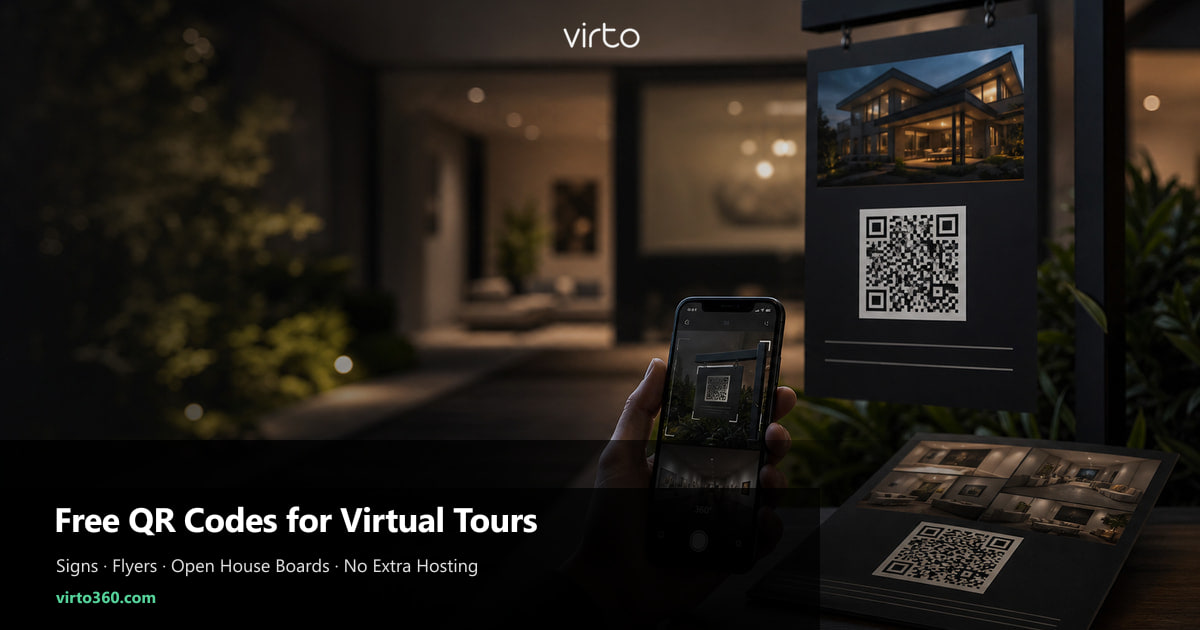
Free QR Codes for Virtual Tours: Print on Signs, Flyers, and Open House Boards
Publish your tour once in Virto 360, download a free QR PNG, and print it on yard signs, listing flyers, hotel folders, or construction hoardings — viewers scan and open the walkthrough in their browser.
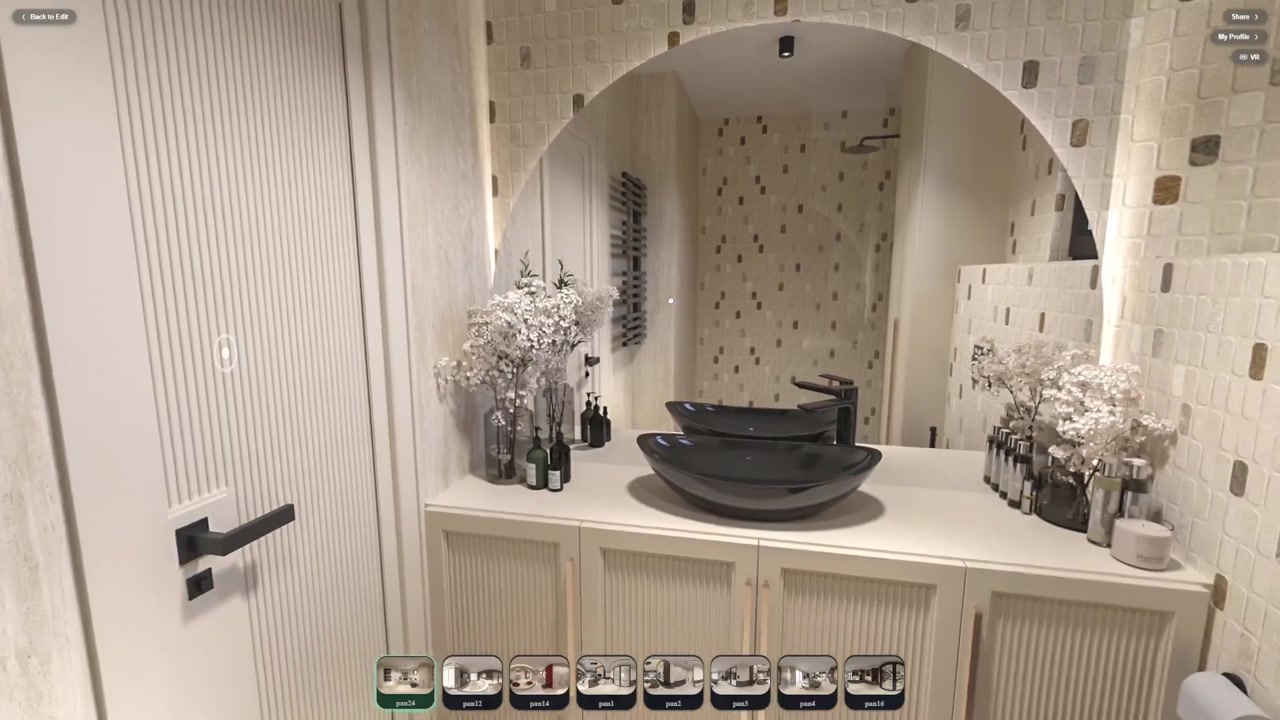
A share link works in email. A QR code works when someone is standing in front of a property, a hotel reception desk, a museum label, or a construction hoarding with gloves on and no patience to type a URL. Virto 360 includes QR download in the Share panel on the free tier — you are not buying a separate QR SaaS or paying per scan.
Need a free QR for any virtual tour URL? Use the Free QR Code Generator for Virtual Tours (/free-qr-code-generator-for-virtual-tours) — paste the link, generate, download PNG or JPG with no registration.
This guide is about print placement, sizing, and workflow — not iframe embeds or VR parameters. If you need website embed HTML, read our embed guide; here we focus on physical surfaces where a QR code is the right interface.
Where teams print QR codes (and why)
- Real estate — rider on For Sale / Open House sign, flyer box, listing brochure back cover
- Open house — A-frame board at driveway, counter card inside the unit, door hanger
- Hotels and rentals — laminated card by check-in instructions or room folder
- Museums and venues — exhibit label, ticket envelope, poster near the entrance
- Architecture and construction — site hoarding panel, sales gallery wall, model-unit plaque
- Pop-up retail — window decal when the shop is closed but the space is still shoppable online
Step 1 — Publish and download the PNG
After Finish, open Share and tap QR Code. Download the PNG — it already points at your public share URL. Re-download after publish if you regenerated the tour; the link slug stays stable unless you delete and recreate the tour. No account is required for viewers: scanning opens Safari or Chrome directly into the 360 viewer.
Step 2 — Print sizes that actually scan
Camera apps need contrast and pixels. A QR printed thumb-size on a busy flyer fails more often than a bold code on a yard sign.
- Flyers and handouts — minimum 1.5×1.5 in (4 cm), high contrast, white quiet zone around the code
- Counter cards — 2×2 in (5 cm) is comfortable at arm's length
- Sign riders and A-frames — 3×3 to 4×4 in (8–10 cm) for scans from the sidewalk
- Construction hoardings — 6×6 in (15 cm) or larger if the reader stands three metres away
- Avoid glossy lamination glare — matte laminate or UV-coated stock scans better in sunlight
Step 3 — Copy that fits on a sign
You have two lines, not a paragraph. Examples that convert:
- Scan for 360° tour
- Walk through this home — scan here
- Virtual open house — no app needed
- Explore the suite in 360° — scan
- Site progress tour — updated monthly (for architecture hoardings)
Add your agency or studio logo above the QR if the print vendor allows — keep the code itself untouched. Virto branding on the tour viewer is separate from your print layout.
Step 4 — Test like a visitor
Print one proof. Stand where a buyer would stand. Scan with an iPhone and a mid-range Android. If either fails twice, increase size or simplify the background behind the code. Test in shade and in direct sun — glare kills scans on laminated open-house signs more often than code quality.
Free vs paid QR services — what you skip
Third-party QR platforms charge for dynamic redirects, scan analytics, or branded short links. Virto gives you a PNG tied to your tour URL on virto360.com — no per-scan fee, no second dashboard. Analytics on scan counts may come from your print campaign or UTM-tagged landing pages if you wrap the link; the QR itself is a direct encode of the share URL.
- No extra hosting bill for the tour — same publish as link and embed
- No viewer app — gyro panning and optional VR mode work in mobile browsers
- Update tour content without reprinting if the share slug stays the same
- Reprint only when you change the public slug or switch to a different published tour
Open house workflow (same day)
Morning: confirm tour is public and opening view shows the best room. Download QR. Email PDF to print shop or print in-office on thick stock. Afternoon: mount on sign rider with blue tape or rider sleeve. Place one counter card near the register or kitchen island — visitors scan while agents talk. Evening: check My Profile views/likes or your CRM notes for traffic spikes; follow up leads who asked for the link verbally with the same URL (no second QR needed).
Architecture and site hoardings
Sales galleries for unbuilt projects use the same PNG workflow: render panoramas upload to Virto, publish, QR on the hoarding next to the floor-plan poster. Prospects scan on the sidewalk without entering the sales suite. Pair with a short URL on the poster for people who prefer typing — both can point at the same share link.
Troubleshooting scans in the field
- Private tour message — toggle public in Share before the open house
- 404 or blank — tour was deleted; republish and re-download QR
- Slow load on site — mobile signal weak; mention Wi-Fi on the counter card for indoor events
- Wrong room opens — reset opening view in editor and re-publish
- QR looks blurry — export PNG again; never screenshot a screenshot for print
What to read next
New to Virto? Start with how to create a free virtual tour. Adding the tour to MLS or Zillow? See the listing guide. Need iframe on your website in addition to print? The embed guide covers Share and Embed panels together.
Where to go next
QR sharing is part of Virtual Tour Software. More: virtual tour QR codes.
Frequently asked questions
Does Virto 360 charge for QR codes?
No. QR download is included when you publish a tour on the free tier. You pay your print vendor for paper and signs — not Virto for the code itself.
Will the QR stop working after launch day?
No. It points at your share URL and keeps working as long as the tour stays published at that link. Update panoramas inside the tour without changing the URL.
Do viewers need the Virto app?
No. Scanning opens the tour in the phone browser. Gyro panning works on most smartphones without an install.
Can I put the QR on a black sign?
Yes — print white QR on dark stock or add a white box behind the code. Contrast matters more than brand colour.
Should I use a URL shortener instead of the Virto QR?
Optional. Virto's PNG already encodes the full share URL. Shorteners add a redirect hop — fine for analytics, not required for basic open-house use.