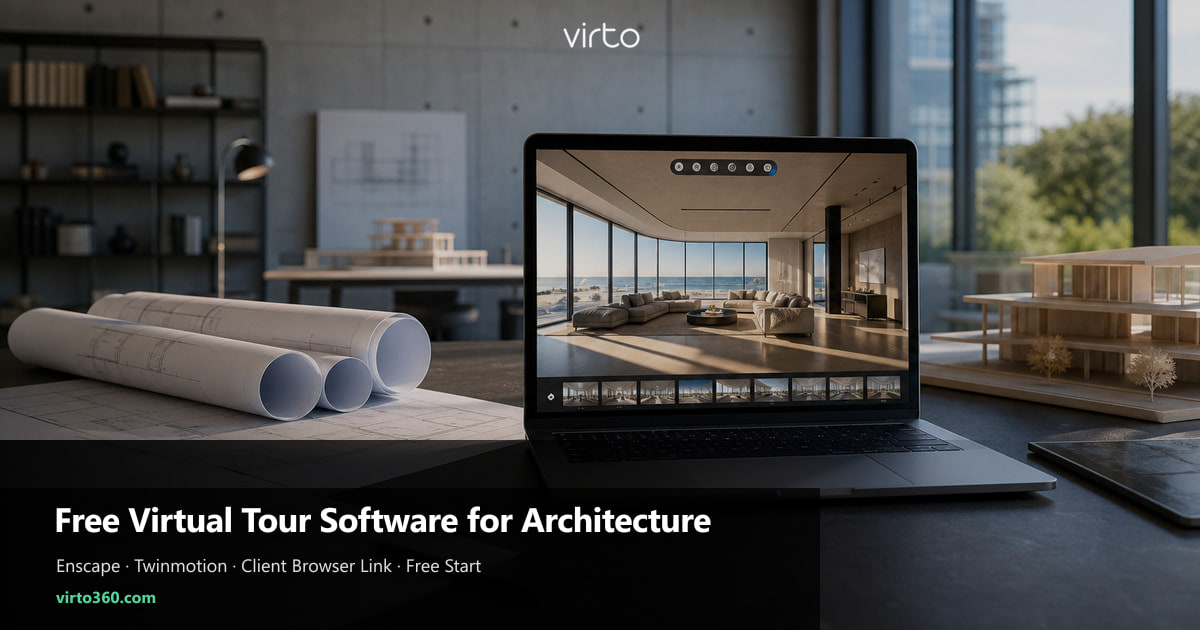
Free Virtual Tour Software for Architecture: Client Walkthroughs in Your Browser
Export Enscape or Twinmotion equirectangular panoramas, upload to Virto 360 for free, and send clients a browser link for design reviews — no special capture hardware, no executable files, no plugin install on their iPad.
Studios already pay for Revit, Enscape, and render farms. Client delivery often still means emailed EXE files, USB sticks, or static PDF boards — formats that IT departments block or clients forget to open. A browser walkthrough closes that gap: one link in the meeting invite, same experience on iPad and Windows, no install queue. Plan limits live on free 360 virtual tour software — this article is the Enscape/Twinmotion workflow.
This article focuses on Enscape-to-browser workflow and client-meeting habits. For unbuilt vs site-progress strategy and portfolio embeds, see our broader architect guide. For AI virtual tour software, start at AI virtual tour software. The homepage is the virtual tour software platform.
Why architects search for free virtual tour software
Common search intent: present design options without buying special capture hardware, avoid per-scan fees during competition phases, and let partners forward a link internally without a sales call. Virto 360's free tier covers publish, share link, QR download, and embed — paid tiers add storage and extras, not basic walkthrough access.
- Design phases change weekly — you need cheap iteration, not enterprise lock-in
- Clients refuse to install Enscape standalones on corporate laptops
- Remote stakeholders join Teams calls and need the same URL as the room
- Junior staff should publish tours without a dedicated web developer
- You already own panorama exports — uploading JPGs should not trigger a quote request
BIM vs 360 tour — what each tool owns
Revit and BIM 360 remain source of truth for dimensions, clashes, and schedules. A 360° tour answers human questions: Does this corridor feel tight? Does the atrium read at double height? Can the client orient from entry to lift? Keep BIM in the coordination meeting; send the Virto link for perception and sign-off mood.
Enscape and Twinmotion export (step by step)
Lock exposure and time of day across viewpoints before batch export — inconsistent sun angles make adjacent scenes feel like different projects.
- Enscape — use Panorama / 360° still export at eye height; save equirectangular JPG at maximum quality
- Twinmotion — Media → Panorama, 2:1 output; match camera height to Enscape exports if mixing tools
- V-Ray / Lumion / Blender — any 2:1 equirectangular still uploads identically
- File naming — align with drawing sets (A-101-Lobby-OptB.jpg) so editors find scenes fast
- Minimum resolution — 6000×3000 for large displays in boardrooms; 4000×2000 acceptable for phone-only reviews
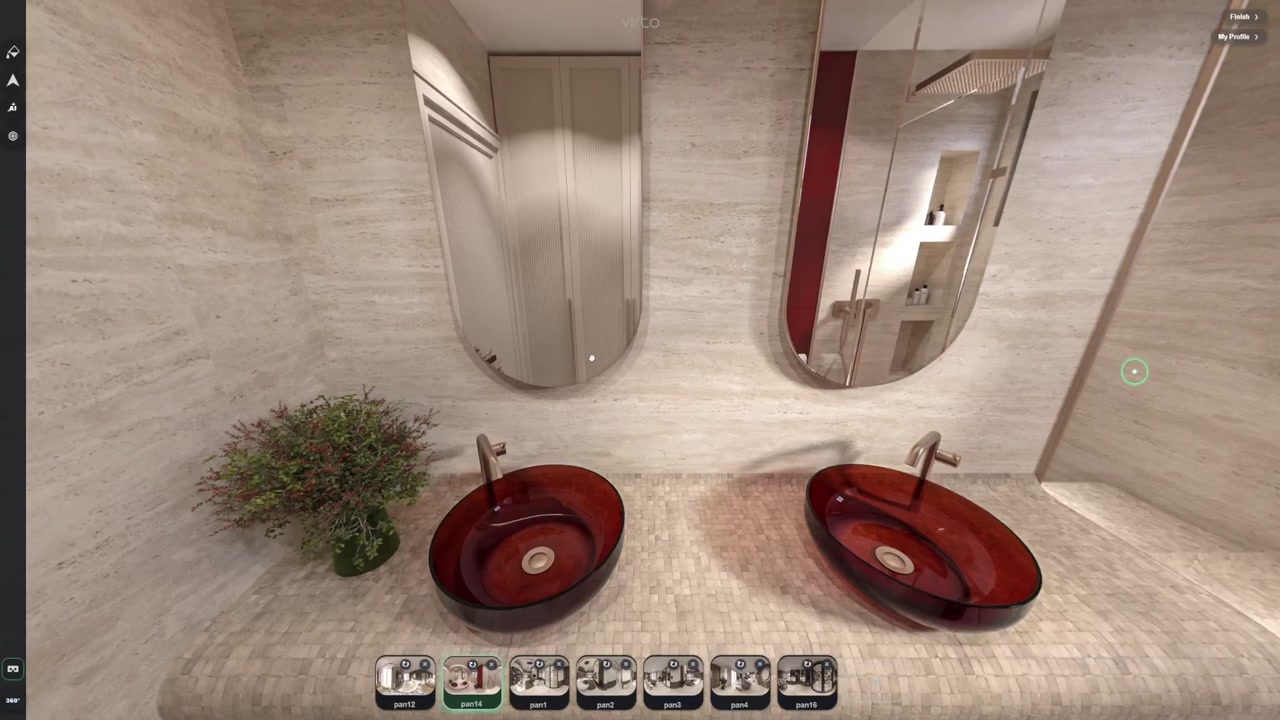
Drag exports into Virto 360 Upload. No re-stitching. If a panorama looks dark, use filter editing lightly before publish — avoid heavy grading that misrepresents material colours clients will approve.
Hotspots for design review (not gimmicks)
Link scenes the way people move: street → lobby → stair → typical floor corridor → unit entry. Info hotspots can hold finish codes or a link to a PDF spec — keep labels short (Structure, MEP zone, Finish A). Return hotspots on every scene; board members get lost without a back path.
For Scheme A vs Scheme B, either publish two tours with clear names in the email subject or one tour with paired scene names — separate links reduce confusion when clients forward internally.
Client meetings — link beats PDF for spatial questions
Send the share URL in the calendar invite the day before. In the room, AirPlay an iPad or open the link on the conference tablet. Presenter drives with finger; disable gyro for group viewing if motion bothers someone. Remote attendees open the same link in Teams chat and explore on their own screen while you narrate.
- Virtual tour vs PDF board — PDFs flatten depth; tours expose ceiling height and corridor length
- No Enscape license on client side — browser only
- Private toggle until the meeting, then public for internal forwarding if approved
- Record decisions in meeting minutes; the tour is reference, not contractual unless stated
Free browser delivery vs executable exports
Enscape standalones and web standalones are excellent inside your viz pipeline. Clients on locked-down corporate IT often cannot run EXE files or WebGL-heavy local packages. A virto360.com share link is HTTPS in Safari — same approval category as any marketing site. You still keep source panoramas on your NAS; Virto hosts the published walkthrough.
Laser scan vs free browser tours — when each fits
Laser documentation suits as-built measured surveys. Concept design and DD phases rarely have walls to scan. Free virtual tour software fits rendered panoramas and optional site 360° from a Ricoh or Insta360 — upload JPGs and share a link. Handover photography can still become a separate tour without changing your Enscape workflow.
Filters and AI — use lightly on architecture work
Construction dust or a worker in frame on site progress shots is fair game for light cleanup. Do not generative-fill away structural elements clients must approve. Filter editing guide covers scene matching when lobby renders and site photos sit in one tour for milestone reviews.
Sharing beyond the meeting
Embed on your portfolio case study when the project goes public — iframe details live in the embed guide. For sales gallery hoardings, download the free QR PNG and size it for print. Email link for partners; QR for walk-up traffic — same published tour, two surfaces.
First studio trial (this week)
Export three panoramas from your active Enscape model, upload, link them with two hotspots, publish, and send the URL to an internal colleague. If they understand circulation without a legend slide, your clients will. Expand scene count and add portfolio embed when the project clears marketing.
Frequently asked questions
Is Virto 360 really free for architecture studios?
Yes — you can create, publish, and share tours on the free tier with link, QR, and embed. Paid plans add storage and extras when you outgrow free limits.
Can we upload Enscape panoramas without reprocessing?
Yes. Export equirectangular JPG or PNG at 2:1 and upload directly. No stitching step on Virto's side.
Do clients need Revit or Enscape installed?
No. They open the share link in a browser on iPad, Mac, or Windows.
How is this different from your other architect article?
That guide covers unbuilt projects, site progress, and portfolio strategy broadly. This one focuses on free software, Enscape export workflow, and client-meeting delivery.
Can we use this for competition submissions?
Yes — publish a tour and embed it on the competition microsite or send a single review link to jurors who prefer spatial exploration over static boards.