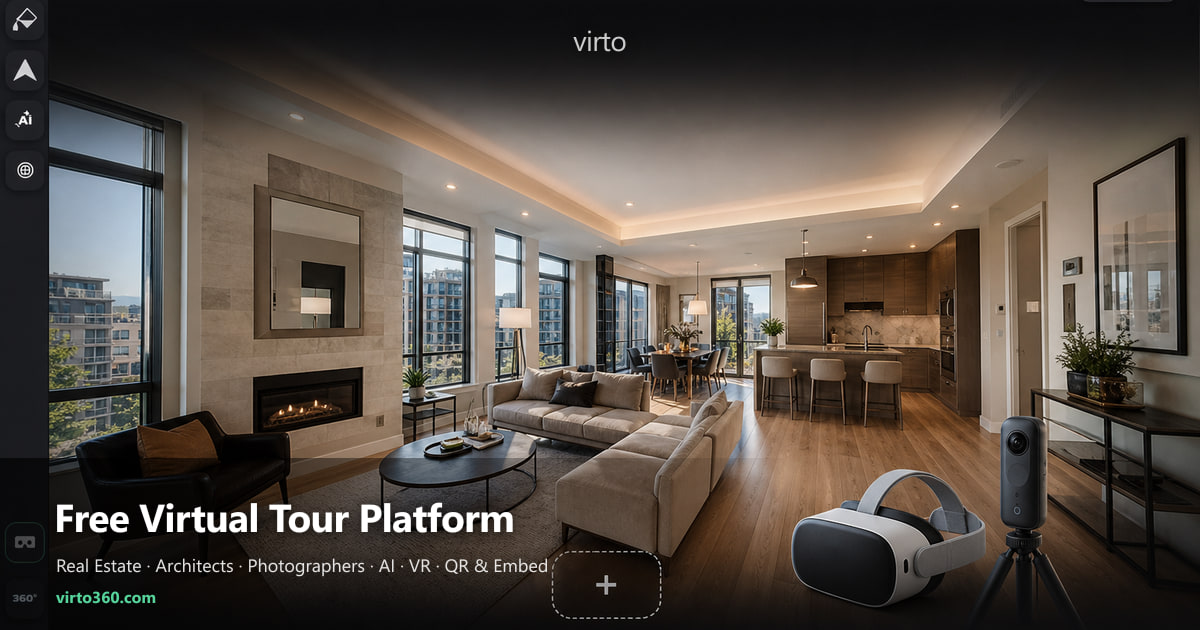
How to Create a Free Virtual Tour
You have the photos. You need the link. Here is exactly how we build a walkthrough on Virto 360 — no desktop software, no code.
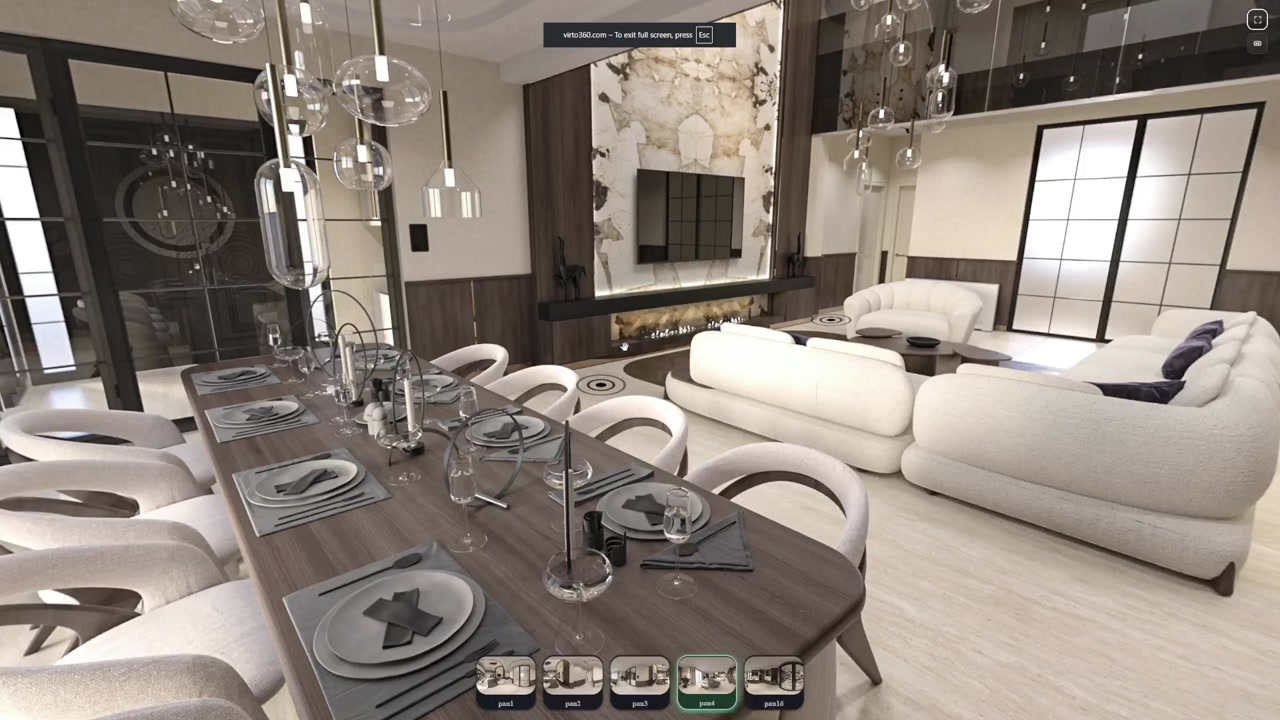
Most people who land here are not looking for another app to install. They already shot the apartment, the showroom, or the hotel lobby — and now someone is waiting for a link. That is the whole job: upload the panoramas, connect the rooms, send the URL.
We built Virto 360 around that workflow. Everything runs in the browser at virto360.com — upload, hotspot editing, filters, even AI cleanup if a cable or trash bag slipped into a shot. If you have ever stitched a panorama from a Ricoh Theta, Insta360, or a DSLR pano head, you already have what you need.
Before you upload — a quick checklist
- Equirectangular JPG or PNG files (2:1 ratio — e.g. 6000×3000 px)
- One panorama per room or viewpoint; shoot from roughly the same height in every room
- Doorways visible between connected spaces — that is where hotspots will go
- A simple shot list on paper helps on larger properties (Kitchen → Hall → Bedroom 1…)
Three clean, well-lit panoramas beat twelve rushed ones. We see this constantly with agent teams: one dark hallway breaks the whole walkthrough. Shoot at eye level, keep exposure consistent, and do not walk through the frame between shots.
Step 1 — Upload your panoramas
Open Virto 360, start a new tour, and drag all files in at once. The platform keeps full resolution for viewing and builds thumbnails automatically — no export presets, no desktop uploader. Name each scene something you will recognize later (Living room, not IMG_4521).
Step 2 — Pick the opening view
Rotate the first scene until the visitor sees what you want them to see first — usually the main feature of the room or the path into the next space. This angle becomes your preview thumbnail when the link is shared on WhatsApp, MLS, or email, so treat it like a cover photo.
Step 3 — Place hotspots where people actually walk
Hotspots are just doorways in digital form. Put them where a person would step through — not floating on a wall three metres away. Link the living room to the kitchen through the visible opening, add a return hotspot so people can walk back, and test on your phone: if you cannot tap it with a thumb, move it.
- One hotspot per logical exit — hallway, doorway, arch
- Return paths in every scene so the tour never feels like a dead end
- On mobile, bigger hotspots work better than clever minimal ones
Step 4 — Fix small problems (optional)
Raw panoramas are fine for most listings. If a window is blown out or a power cable runs across the floor, Virto 360 has browser-based filters and AI object removal — use them lightly. Buyers notice overprocessed rooms faster than they notice a cable.
Step 5 — Publish and send the link
When the walkthrough feels natural room to room, hit Finish and publish. You get a public URL, an embed code for your site, and a QR code for print. Clients open it on any phone — no app install, no account required on their side.
Basic publishing on Virto 360 stays free: build the tour, share the link, move on. Paid tiers are for teams that need extra storage or priority support — worth it once the tours are generating leads, not before the first one is live.
Who gets the most from a free virtual tour?
- Real estate agents — remote showings and richer listing pages without a paid scanning package
- Architects and interior designers — walk clients through staged or unbuilt spaces
- Photographers — package 360° deliverables without custom dev work
- Hotels and short-term rentals — let guests preview the room before booking
What to read next
Still choosing gear? Our guide to the best 360° cameras for real estate walks through Ricoh Theta, Insta360, and DSLR workflows with honest trade-offs. If the tour is up and still feels cheap, fifteen mistakes that ruin the walkthrough. Once it is live, the embed guide shows exactly how to put it on your website with iframe, QR, and VR.
Try it now
If you have three panoramas on your desk right now, you can have a live link tonight. Open virto360.com, upload them, connect the scenes, and send your first tour. Questions about cameras, VR viewing, or embedding? Our FAQ covers all of it.
Where to go next
Plan facts: free 360 virtual tour software. Platform: Virtual Tour Software.
Frequently asked questions
Is Virto 360 really free for basic virtual tours?
Yes. You can upload panoramas, build hotspots, publish a public link, embed on your site, and download a QR code without paying. Paid plans add storage and extras for teams that scale.
What file format do I need to upload?
Standard equirectangular JPG or PNG at 2:1 aspect ratio — for example 6000×3000 px. Ricoh Theta, Insta360, and DSLR pano software all export this format.
Do viewers need an account or app?
No. Anyone with your share link opens the tour in a mobile or desktop browser. Optional VR mode works in the browser on Meta Quest and similar headsets without installing Virto.
How long does my first tour take?
A small apartment with five rooms is typically 30–45 minutes once you have the photos — upload, hotspots, quick phone test, publish. Larger properties scale linearly with room count.