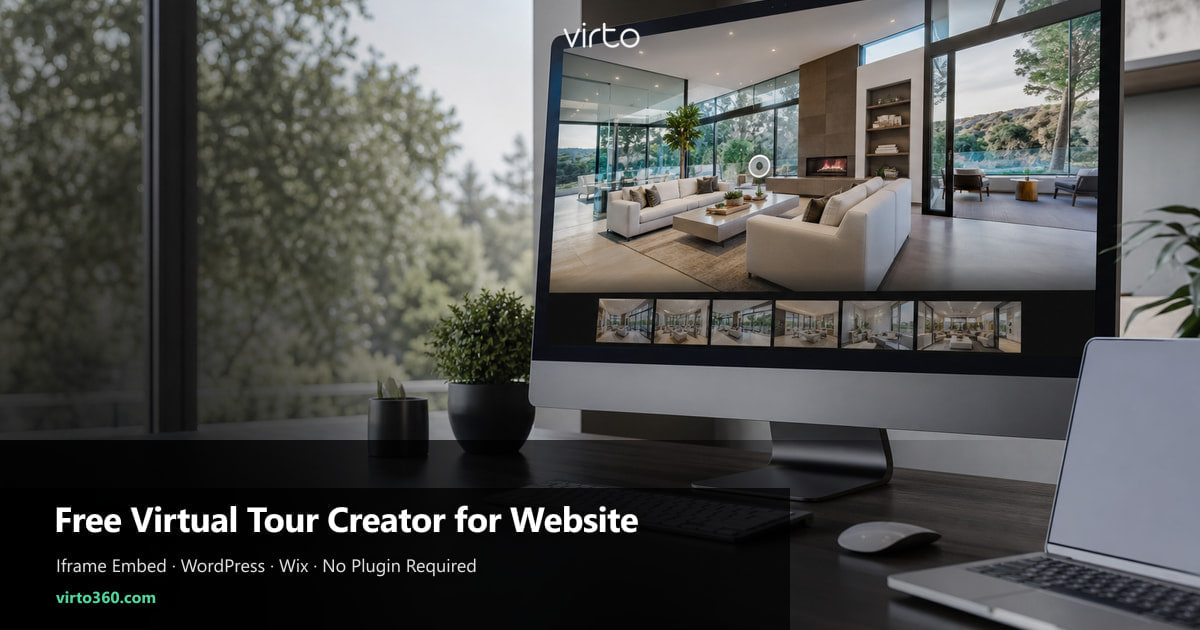
Free Virtual Tour Creator for Your Website
You should not need a WordPress plugin subscription to embed a walkthrough on your listing page. Build the tour free, copy one iframe, paste it — done.
Portals want buyers on their domain. Your site wants the opposite — keep attention on your brand, your contact form, your next listing carousel. A virtual tour embedded on the property page is one of the few widgets that actually lengthens session time instead of sending people away.
The friction is rarely capture. It is the stack of paid plugins and “enterprise embed” tiers between you and a working iframe. Virto 360 skips that layer: create the tour free in the browser, publish, copy embed code, paste. The tour streams from our CDN; your page just holds the frame.
Why embed on your site instead of linking out
A bare link to an external host works in MLS — buyers expect to leave the portal there. On your own site, an inline tour keeps the visitor in your analytics, your lead capture, and your design. Google still indexes the page; the iframe adds engagement signals when people interact with scenes.
- Brand continuity — tour sits inside your listing template, not a third-party chrome
- Lead context — contact buttons stay visible beside the walkthrough
- Update control — republish in Virto and the embed refreshes without rebuilding the page
- Dual strategy — embed on your site, share URL on portals; same tour, two entry points
Free creator vs paid website plugins
WordPress plugins often charge monthly for iframe wrappers you can paste manually in five minutes. Wix and Squarespace sell premium embed blocks that do the same job. A free creator with a native Embed panel replaces both — you pay nothing for hosting the tour and nothing for the HTML snippet.
Plugins make sense when you need deep CMS integration — syncing hundreds of MLS fields automatically. Most independent agents and small brokerages need one iframe per listing page, not a data pipeline. Copy-paste scales fine until you have a dev team.
Paste instructions by platform
WordPress
Edit the listing page, add a Custom HTML block, paste the iframe code from Virto’s Embed panel, and update. If your theme strips iframes, allow unfiltered HTML for editor roles or use a generic “Custom Code” block from your theme — still no paid tour plugin required.
Wix and Squarespace
Use the Embed → Code or Code Injection element. Paste the full iframe snippet including width attributes. Set the section width to 100% so the tour breathes on desktop; on mobile the wrapper should stack vertically without sideways scroll.
Webflow and custom HTML
Drop an Embed component into the listing CMS template. Paste once, bind per-property if your CMS stores the iframe in a field — or paste manually for each new listing until you automate. Static sites work the same: one HTML file, one embed block under the gallery.
Embed settings worth toggling before copy
The Embed panel lets you tune the viewer before you paste. These choices affect how the tour feels on your page — not just aesthetics.
- Height — taller frames reduce in-tour scrolling; 500–600px is a common listing sweet spot
- Theme — match dark or light chrome to your site so the iframe does not look bolted on
- Logo — show yours on the viewer or hide for a cleaner embed on minimalist templates
- Gyro — enable for mobile tilt panning; buyers on phones use it more than arrows
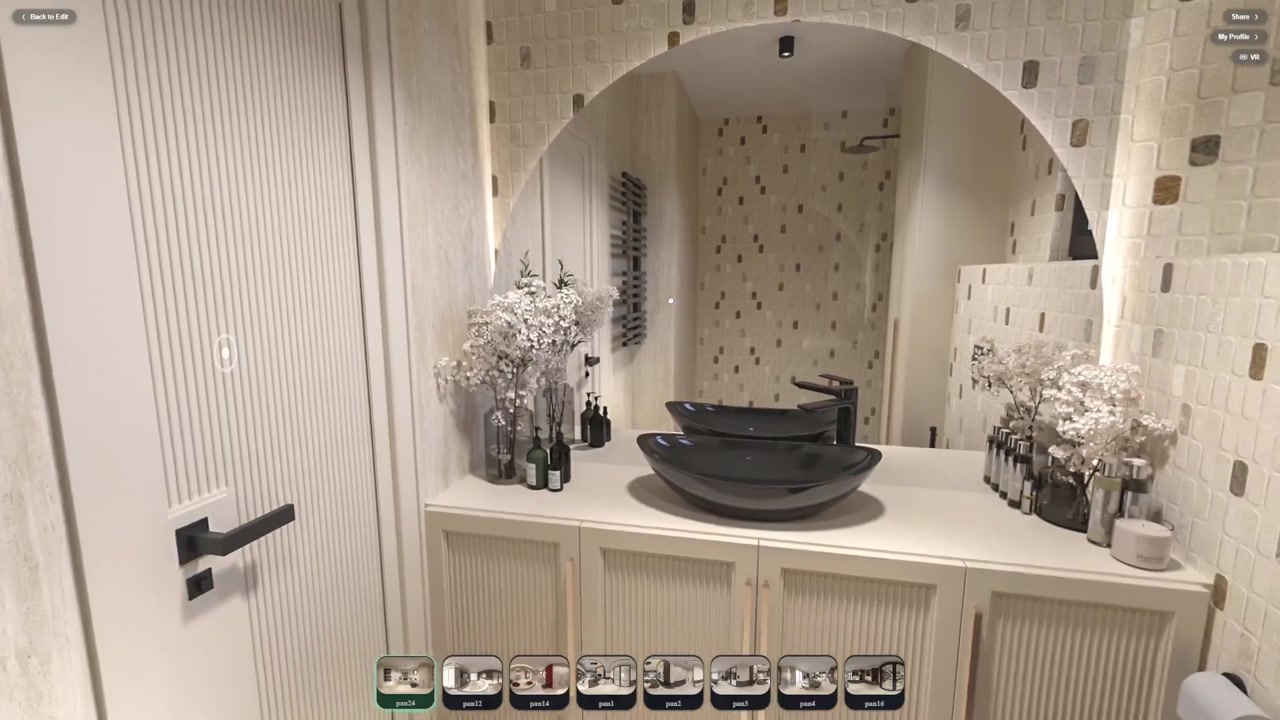
- Interactive navigation — viewers move with hotspots and the panorama strip
Performance and SEO practicalities
Iframes load asynchronously — your text and hero photos still render first, which helps Core Web Vitals compared to dumping a multi-megabyte video autoplay on the page. Write a normal title and description on the listing URL; the tour complements the copy, it does not replace indexable text.
Use one canonical share URL in structured data or Open Graph if you also link out socially — search engines prefer a single tour address even when the iframe lives on your domain. When you update panoramas after staging, republish in Virto; the embed URL stays stable.
Attribution and outbound links
Embeds can include a small “Powered by Virto 360” line below the iframe — optional, but useful if you want a clean backlink to the platform on your live site. Toggle it in the Embed panel before copying. Either way, the tour itself remains free to host and display.
Checklist before you publish the page
- Tour is public — private tours show a gate inside the iframe
- Opening view looks good — it is what people see while scenes load
- Iframe width is 100% of content column on desktop
- Phone test on LTE — pan, hotspot, and fullscreen work
- Contact form still visible without scrolling past three screens on mobile
Where to go next
Plan facts: free 360 virtual tour software.
Frequently asked questions
Is there a free virtual tour creator that works with any website?
Yes. Virto 360 publishes standard iframe HTML that any site accepting embed code can display — no proprietary plugin or CMS module required.
Do I need a paid WordPress virtual tour plugin?
Not for a basic listing embed. A Custom HTML block plus the free Virto iframe is enough. Plugins help when you need automated MLS sync at scale.
Will the embed slow down my page?
The iframe loads the tour after your page shell. Keep hero images optimized as you normally would; the tour streams scenes on demand rather than one giant download upfront.
Can I remove Virto branding from the embedded viewer?
Embed options let you control logo and attribution display. Configure them in the Embed panel before copying the snippet.
What if my site builder blocks iframes?
Use the platform’s official embed or code block type — not a generic text box. If blocks are stripped on save, your plan may restrict scripts; the share link still works while you upgrade or ask support to allow virto360.com in the iframe whitelist.