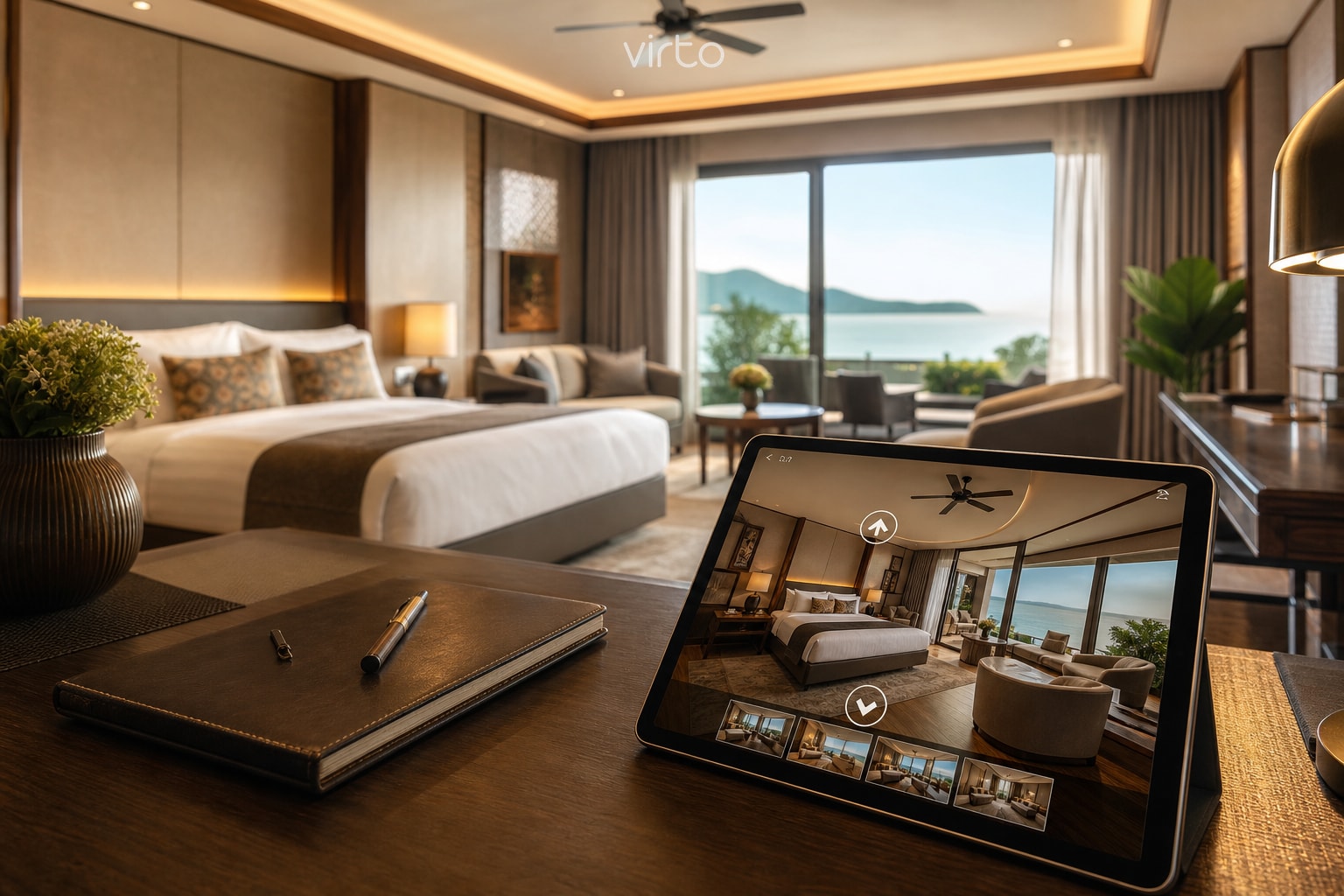
Virtual Tours for Hotels & Vacation Rentals: A Practical Guide
Guests book with their eyes. Here is how boutique hotels, Airbnb hosts, and rental managers use 360° walkthroughs to cut refunds and fill calendars — without a scanning crew invoice.
Every host knows the email: “The room looked bigger in the photos.” OTAs reward wide-angle lenses; guests punish you in reviews when reality does not match. A 360° virtual tour is not marketing fluff — it is the antidote to that gap. They drag their thumb across the bedroom, peek into the bathroom, and see the actual corridor to the elevator before they ever hit Book.
We work with small hotels (twelve to forty rooms), aparthotels, and individual Airbnb operators who upload tours to Virto 360 and embed them on direct booking pages. None of them needed a scanning crew or a monthly capture subscription. A Ricoh Theta or Insta360, an hour on property, and a browser editor got them live.
What guests wish they had seen before booking
Skip the glossy lobby shot if your pain point is room refunds. Prioritize what shows up in support tickets:
- Bedroom → bathroom path (is the toilet separate? is the shower tight?)
- Window view — honest angle, not cropped telephoto from the parking lot
- Stairs and elevator distance if you advertise “accessible” or “family friendly”
- Kitchen layout for rentals — oven, dishwasher, table seats for six?
- Pool, gym, terrace — only if they are in the listing; nothing hidden off-camera
One panorama per distinct room type is enough for many hotels. You do not need every identical double on floor 3 — shoot the canonical Deluxe King once, label it clearly, and link to booking with that tour.
Shooting on property — hospitality specifics
Make beds hotel-standard, open curtains, turn on all lights, and hide housekeeping carts. Shoot between check-out and check-in when you can — an empty, clean room reads better than one with yesterday’s luggage. Tripod at ~1.5 m (5 ft), same height in every scene so the walkthrough feels continuous.
- Short-term rentals: shoot living → kitchen → bedrooms → balcony in walk order
- Boutique hotels: lobby → elevator area → room → bathroom → amenity floor if public
- Avoid peak HVAC noise for video; for still 360° JPGs it does not matter
- HDR on bright windows (pool view, sea view) — guests forgive a little ghosting less than a blown-out white window
Building the tour in Virto 360
Upload equirectangular JPGs (2:1 ratio from Ricoh, Insta360, or similar). Name scenes for humans: “Studio – kitchen”, not IMG_8842. Place hotspots at doorways — guests navigate the way they walk, not through walls. Set the opening view to the room’s best feature (view, bed, living space); that frame becomes the preview when you paste the link in WhatsApp or Booking messages.
If a cleaning cart slipped into a corner or a “staff only” door is visible, use light AI object removal in the editor before publish — faster than a reshoot. Our AI guide covers when that helps and when it does not.
Where to put the tour (and what actually converts)
- Direct booking page — iframe embed above the calendar; keeps people on your site
- Airbnb / Booking — paste the share link in message templates (“See the full 360° layout”)
- Email confirmation — one link, fewer “where is the second bathroom?” calls
- QR at reception or in the rental welcome folder — in-house upsells and amenity reminders
- Instagram bio link — same URL works on mobile without an app
Embedding is copy-paste from the Share → Embed panel: responsive width, optional light theme to match a white hotel site, your logo instead of ours if you are on a branded plan. Full walkthrough in our embed guide.
Direct bookings vs OTAs — why hosts bother
OTA commissions hurt, but guests trust OTAs because photos feel standardized. A 360° tour on your own domain gives the same transparency without the 15–18% fee. We see hosts link tours in retargeting emails (“Still thinking about the sea-view suite?”) with measurable click-through — not because the tech is magic, but because anxiety drops when layout is verifiable.
Reviews mentioning “exactly like the tour” show up once guests stop feeling tricked. That is the ROI — fewer refunds, fewer one-star “misleading photos” notes, more repeat direct bookers.
Budget and time — realistic numbers
- Camera: Insta360 X4 or Ricoh Theta SC2/X — many hosts already own one for social
- Shoot: 45–90 minutes for a two-bedroom rental; half day for a small hotel’s public areas + two room types
- Edit + publish: 30–60 minutes first time; faster once you know your shot list
- Virto 360: free tier covers publish, share link, embed, and QR — paid tiers when you need more storage across many properties
Common mistakes we see in hospitality tours
- Only shooting the prettiest corner — guests notice missing bathroom angles
- Identical Instagram filters on every OTA photo but “raw” 360 — keep exposure honest
- Forgetting night shots for city-view units — optional, but “view at dusk” can sell
- No mobile test — most bookings happen on phones; tap through hotspots yourself
- Dead-end scenes with no way back — add return hotspots
Start tonight
If you have one vacant unit tomorrow morning, shoot it before the next guest, upload to virto360.com, and paste the link in your next booking inquiry reply. New to 360° entirely? Read how to create a free virtual tour first — same upload flow, hospitality shot list swapped in.
Where to go next
Start at virtual tour software for hotels.
Frequently asked questions
Can I use a virtual tour on Airbnb if the platform does not embed iframe?
Airbnb does not host iframe embeds in listings, but you can paste the Virto share link in listing description, auto-messages, and guest chat. Many hosts put “360° tour: [link]” above the fold in the description.
How many panoramas does a vacation rental need?
Typically 5–10: living, kitchen, each bedroom, bathroom, balcony or garden. Add hallways only if layout is confusing.
Do guests need an app to view?
No. The share link opens in Safari, Chrome, or any mobile browser. Gyro panning works after one tap on iOS.
Is a hotel virtual tour worth it for properties under 10 rooms?
Often yes — smaller properties live on reviews and direct repeat guests. One honest tour pays off the first time it prevents a mismatch complaint or wins a direct booking off Instagram.