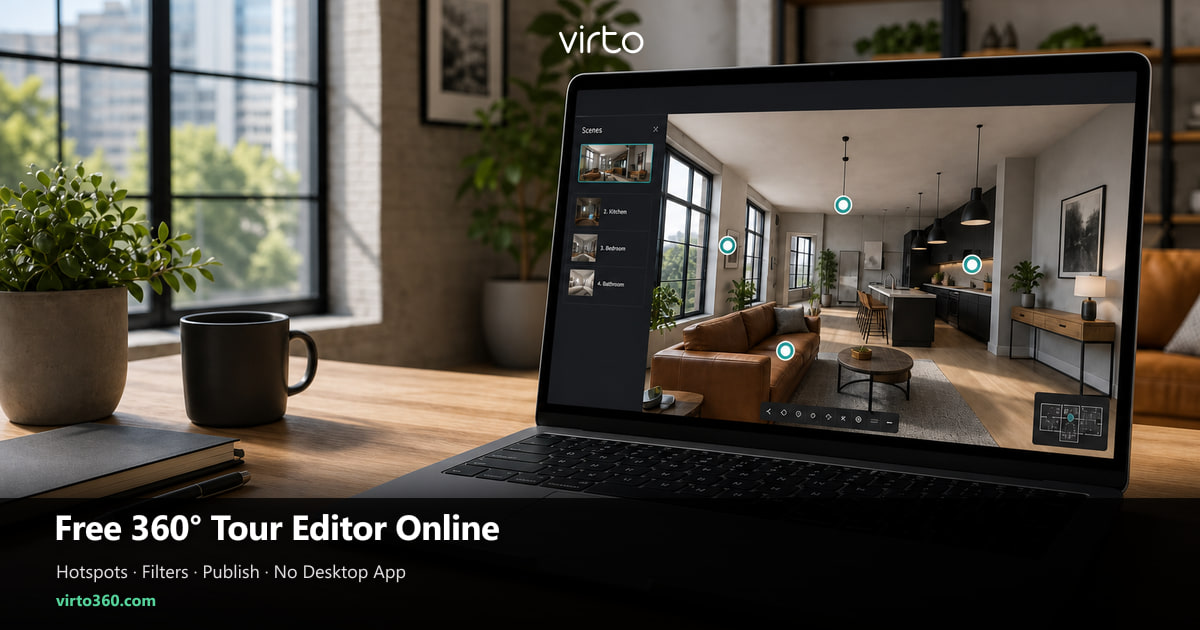
Free 360 Tour Editor Online — Edit Hotspots, Filters & Publish (No Desktop App)
The “editor” is where a folder of panoramas becomes a walk people actually finish. Here is how to work the online canvas without installing anything.
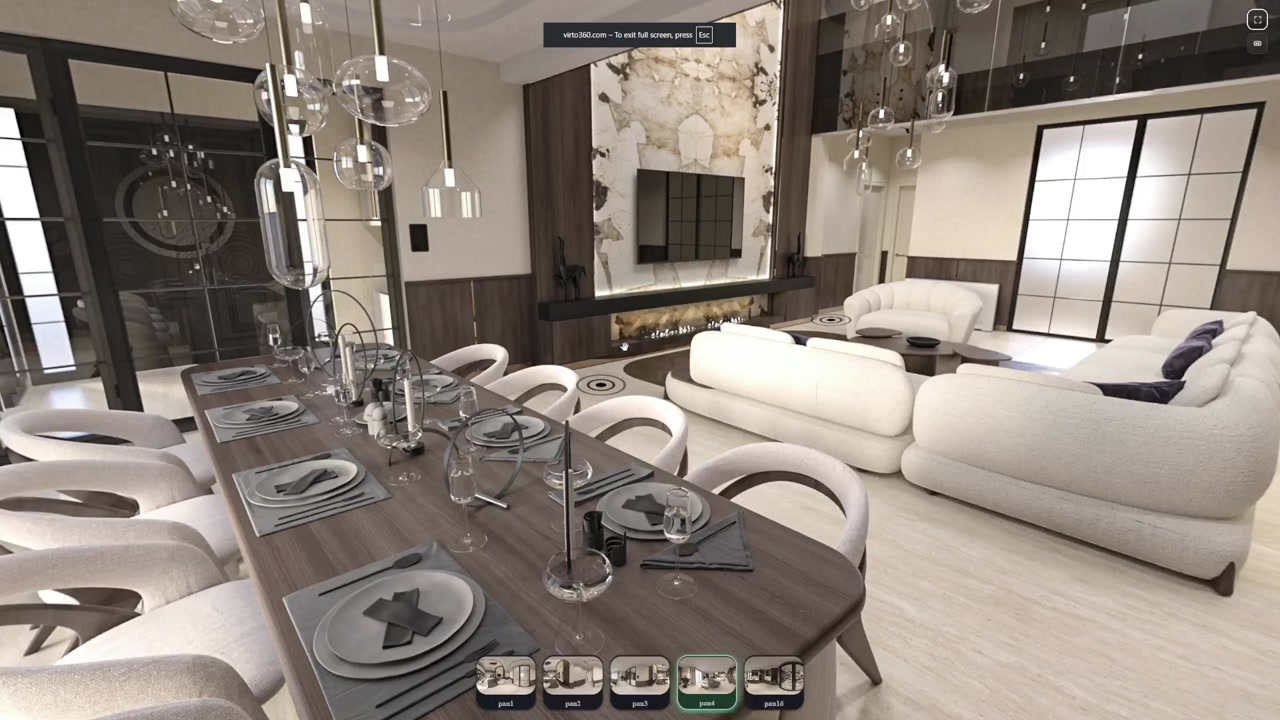
People search “360 tour editor” when they already have the files. The camera work is done. What they need is a place to wire rooms together without installing last year’s desktop suite or learning a video timeline. An online editor is closer to a floor-plan tool than to Premiere — you are arranging space, not cutting clips.
What an online 360 editor actually controls
Three levers matter more than a dozen menus: scene order, the first angle a visitor sees, and the hotspots that move them next. Filters and AI cleanup are optional polish. If those three levers are wrong, no color grade saves the tour — people bounce after the second dead-end.
- Scene list — rename and reorder so the story matches a walk-through, not capture order
- Opening yaw/pitch — the postcard frame for link previews and first impressions
- Hotspots — navigation, optional info pins, media only where it earns a tap
- Per-scene look — exposure, white balance, light sharpening when one room fights the rest
- Publish outputs — one https URL, QR, and iframe from the same Finish step
Hotspot placement that feels obvious on a phone
Thumbs are clumsy. Put the next-room hotspot on the floor just inside the doorway the visitor is facing — not on a ceiling light, not on a framed print. If two doors share a wall, stagger the markers vertically so they do not overlap on a small screen. Test with your non-dominant hand; if you miss twice, the marker is too small or too high.
Info hotspots are different. Use them for something you cannot show: HOA fees, ceiling height, “washer in hallway closet.” Do not pin a label that only says “Kitchen” when the room is already labeled in the scene list — that is clutter disguised as UX.
Filter discipline — edit less than you think
A free editor that offers sliders for every room tempts you into making each panorama a different mood. Resist. Pick one daylight look and nudge outliers: lift shadows in the windowless bath, pull highlights on a west-facing glass wall. Matching rooms beat “cinematic” bedrooms that do not belong next to a flat living room.
Save AI object removal for the one distraction that would force a reshoot — a photographer’s bag, a temporary staging crate. The editor is not a second photoshoot. Speed to a stable URL usually wins more listings than another hour of micro-contrast.
Desktop software vs browser editor — when each wins
- Desktop suites win when you stitch multi-row panoramas or need offline batch pipelines
- Browser editors win when files are already equirectangular and you need hotspots + a share link today
- If your camera exports a ready 2:1 JPG, skipping the desktop install is not a compromise — it is the shorter path
- Teams collaborating across offices rarely share one licensed workstation; a URL-based editor scales cleaner
A 40-minute editing session that does not spiral
Minute 0–5: import and rename. Minute 5–15: opening views only — no hotspots yet. Minute 15–30: doorway navigation in a loop you can recite aloud (“entry → living → kitchen → hall → primary”). Minute 30–35: one or two filter fixes. Minute 35–40: phone walk on LTE, then Finish. Anything past that is usually perfectionism chewing the listing deadline.
Publish checklist before you leave the editor
- Every scene reachable from at least one hotspot (no orphan rooms)
- Back-path exists — visitors can return without reloading
- Opening scene is the strongest room, not the coat closet you shot first
- Share URL opened in a private/incognito window loads for a logged-out user
- You copied the final link once into a notes file so MLS and embed use the same string
Where this fits next
If you still need capture basics, use the free create guide. For heavier color work, the filters article goes deeper. When the edit is done, the embed and QR guides cover distribution — keep the editor focused on space and navigation, not marketing copy.
Where to go next
The editor sits inside Virtual Tour Software.
Frequently asked questions
Is there a free 360 tour editor that runs in the browser?
Yes. Virto 360’s editor runs in Chrome, Safari, Firefox, and Edge — upload panoramas, place hotspots, adjust filters, and publish without installing desktop software.
Do I need a powerful PC to edit virtual tours online?
No. Editing is lightweight compared with stitching raw multi-row shoots. A normal laptop and a stable connection are enough for JPG equirectangular scenes.
Can I change hotspots after I publish?
Yes. Re-open the tour in the editor, adjust markers or opening views, and finish again. Keep using the same share URL so existing MLS entries and QR codes stay valid.
What file types does an online 360 editor expect?
Equirectangular panoramas — usually JPG or PNG with a 2:1 width-to-height ratio from Ricoh Theta, Insta360, or a photographer export. Flat phone photos are not full 360 scenes.
Is a 360 tour editor the same as a 360 video editor?
No. A tour editor links still panoramas with hotspots for interactive walking. A video editor cuts timelines. Most listing and Airbnb use cases want the interactive still tour, not a forced play-through.