Virtual Tour Software for 360° Tours
Browser-based virtual tour software for creating, editing and publishing interactive 360° tours. Add hotspots, optional AI editing, share links, QR codes and website embeds — no desktop software required.
Most people already have the panoramas
They just need a fast way to turn them into a virtual tour. That is what Virto 360 does: upload 360° photos, connect rooms with hotspots, then send a link, QR code or website embed.
No desktop app. Clients open the tour on phone, tablet, laptop or VR headset — nothing to install on their side. Guides live on the blog and in the support center.
Optional AI editing sits in the same browser tab, so you are not bouncing between a photo suite and a tour tool. Details: AI virtual tour software. Plan details (watermark, hosting, embed, QR): Virto 360 free plan.
Typical path: sign up, upload equirectangular shots from a Ricoh Theta, Insta360 or any 360° camera, link the rooms, publish. Same tour works in the browser and in VR mode on supported headsets.

What you can do
Create
Upload panoramas, name scenes and build the walkthrough in the browser — no coding.
Hotspots
Clickable room links and info points so visitors walk the space instead of watching a video.
Publish a link or embed
Publish a link, QR code or iframe embed for MLS, email, print or your website. See embed a virtual tour and the free QR code generator for virtual tours.
AI Object Removal
Remove a tripod, cable or passerby from a 360° frame without leaving the editor.
AI Generative Fill
Paint a blank wall or dull corner and describe what belongs there — light staging without a separate app.
Filters & AI Enhance
Brightness, contrast and color grading, plus optional AI Enhance when a panorama needs a quick polish.
A published tour, open in the browser
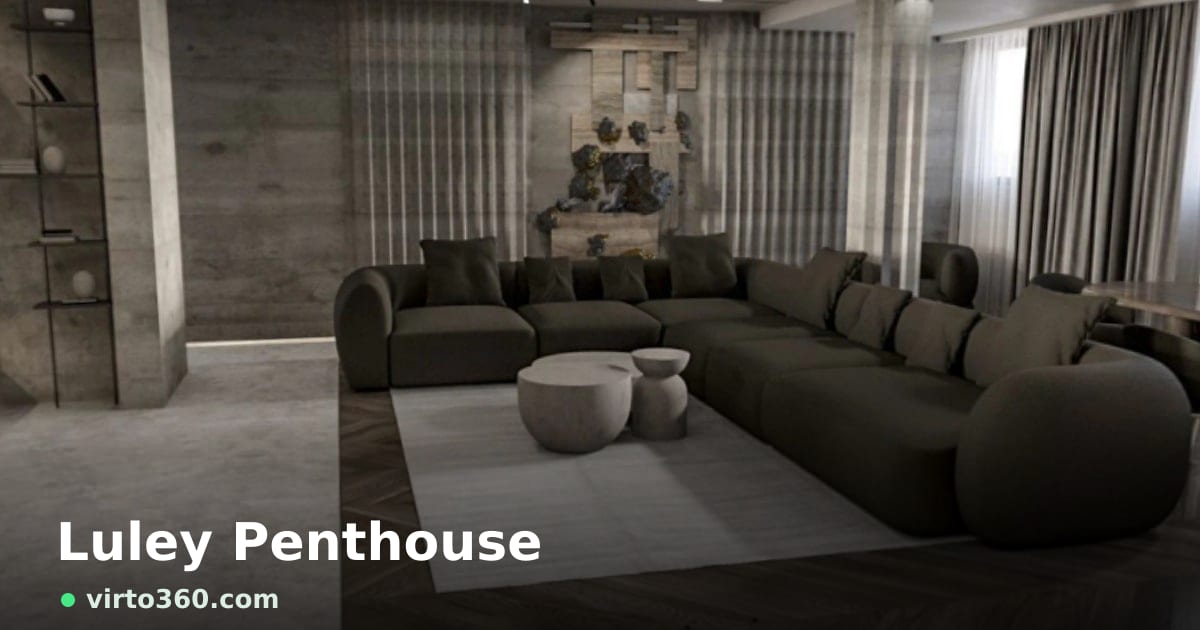
Those steps end as a walkthrough a client can open on a phone or a laptop, with nothing to install. Look around the example below. The same embed can sit on a listing page or a studio site.
Why people use Virto 360
Upload, edit and publish without desktop software. Virto 360 is virtual tour software for people who already have 360° photos and need a shareable walkthrough the same day. AI cleanup is there when a scene needs it — not as a separate product. Tours open on phones and desktops; VR mode is optional.
Commonly used for listing walkthroughs, architecture reviews, hotel previews and photography portfolios. Embed with one iframe; no coding required.
How to create a virtual tour online
- Sign up – Free account, no credit card
- Upload 360° photos – Drag and drop equirectangular images
- Connect rooms – Hotspots between scenes
- Polish if needed – Filters or AI editing, then set opening views
- Publish – Link, embed or QR
Who uses it
Real estate virtual tours
Listing walkthroughs buyers can explore before a showing — less “is the hallway narrow?” guesswork.
Architecture & construction
Show designs, site progress and finished spaces in 360° without a custom WebGL build.
Hotels & rentals
Let guests preview a room layout before they book.
Photography
Publish interactive location walkthroughs clients can open on their phone. See AI virtual tour software for photographers.
Campus & attractions
Large spaces where a floor plan alone does not explain the feel of the place.
Virtual tour software in the browser

Frequently Asked Questions
What is virtual tour software?
Software that turns 360° panoramas into an interactive walkthrough: look around each room, move through hotspots, and share a link, embed or QR. Virto 360 runs that in the browser — no desktop installer for you or your viewers.
What is a virtual tour?
An interactive 360° walkthrough: look around each room, jump through hotspots, explore remotely instead of watching a fixed video.
Do I need desktop software?
No. If the goal is upload panoramas, connect rooms and publish online, the free plan already covers that — no desktop installer for you or your viewers.
How do I create a virtual tour online?
Sign up, upload equirectangular 360° photos, add hotspots, optionally clean with AI, then publish a link or embed — usually under an hour.
How do I embed a 360 virtual tour on my website?
Open Share, copy the iframe snippet, paste into WordPress, Wix, Squarespace or any HTML page. Embed is on the free plan.
Can I use this for real estate?
Yes. See virtual tour software for real estate.
What does the free plan include?
No credit card, hosted share link, embed and QR — and no watermark on published tours. Checklist: Virto 360 free plan.
What is AI virtual tour software?
Virtual tour software that includes AI editing in the same workflow — object removal, generative fill and enhance. On Virto 360 that lives at AI virtual tour software, not as a separate app.
Customer reviews of Virto 360 virtual tour software
Average rating 5 out of 5 from 40 published reviews.
robpet
Rated 5 out of 5 (Greece)
“So far very good”
付工
Rated 5 out of 5 (China)
Horchata De Arroz
Rated 5 out of 5 (Mexico)
VALERIA GUADALUPE AKE PIÑA
Rated 5 out of 5 (Mexico)
Olga Naydyonock
Rated 5 out of 5 (Latvia)
chayabhutala25
Rated 5 out of 5 (Indonesia)
Lesly Garcia
Rated 5 out of 5 (Mexico)
“Nice”
LAURA SOFIA ARROYAVE BERMUDEZ
Rated 5 out of 5 (Colombia)
“muy buena”
arya sagaraaa
Rated 5 out of 5 (Indonesia)
Wch199833.
Rated 5 out of 5 (China)
18126425466
Rated 5 out of 5 (China)
“Very great”
Jefferson Teixeira
Rated 5 out of 5 (Brazil)
“GERE UM TOUR VIRTUAL PELO APTO”
Jr
Rated 5 out of 5 (Colombia)
“Excelent”
sosna
Rated 5 out of 5 (Poland)
CRYSTIAN GIL
Rated 5 out of 5 (Colombia)
Pedro Antonio Yero Escalona
Rated 5 out of 5 (United States)
Enticing Empire
Rated 5 out of 5 (India)
“VERY GOOD”
Omar Theojary Sicairos
Rated 5 out of 5 (Mexico)
“NICE!!”
Ayoub Bouadi
Rated 5 out of 5 (Morocco)
“top”
MACO d.o.o. Idrija
Rated 5 out of 5 (Slovenia)
“Super”
19251601121
Rated 5 out of 5 (China)
faundi@list.ru
Rated 5 out of 5 (Norway)
Soporte
Rated 5 out of 5 (Mexico)
michael vincent Lagason
Rated 5 out of 5 (Philippines)
Virtual Tour Software — Feature Demo Videos
Watch how to build a 360° tour in the browser — hotspots, sharing, and optional AI editing.
- Create Virtual Tours Online — Upload 360° photos and build immersive virtual tours in minutes with Virto 360 — no download required.
- Interactive Hotspots for Virtual Tours — Add clickable hotspots and room-to-room navigation to your 360° virtual tour in Virto 360.
- Share and Embed Virtual Tours with QR Code — Publish virtual tours with a share link, QR code or website embed using Virto 360.
- AI Object Removal for Virtual Tours — Remove unwanted objects from 360° panoramas with AI in Virto 360 — for real estate and architect walkthroughs.
- AI Generative Fill for Virtual Tours — Use AI generative fill to add staging details to empty ledges and corners in 360° panoramas — browser-based virtual tour editing in Virto 360.
- Professional Filter Editing for 360° Virtual Tours — Enhance panoramas with smart filters — brightness, contrast, saturation and color grading in Virto 360.