AI Object Removal for 360° Photos
Clean clutter, cables, and tripod shadows directly in the Virto editor
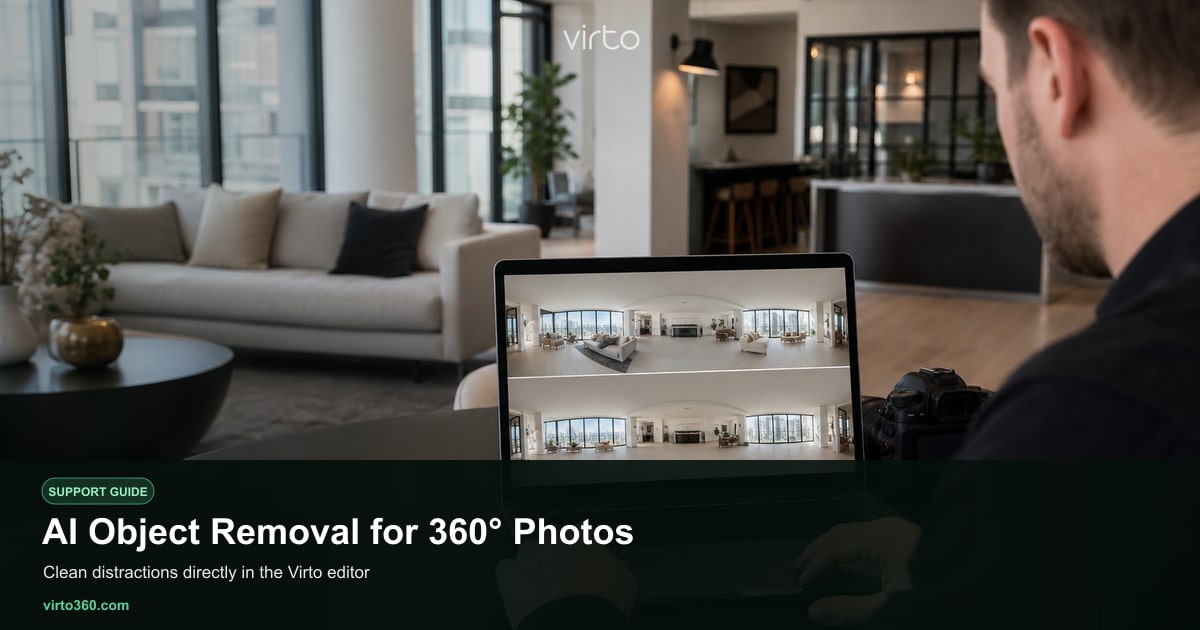
Shooting fast often means stray cables, trash bins, personal items, or your own reflection in a mirror. Virto 360 includes free AI object removal inside the /filters editor so you can clean panoramas without exporting to Photoshop. Brush over the problem area, run removal, and the model fills the region using surrounding pixels — tuned for equirectangular 360° images where straight lines and floor geometry matter.
When to use AI removal
- Loose cables and power strips along baseboards
- Cleaning supplies, bins, or laundry in frame
- Temporary construction clutter that is not part of the story
- Small tripod nadir patches when camera software did not fully patch the floor
- Minor reflections or items you cannot physically move before the next shot
AI removal is for cosmetic cleanup, not hiding structural defects. Real estate professionals should follow local disclosure rules — digitally removing a crack, water stain, or neighboring building can mislead buyers. When in doubt, disclose that photos were cleaned for presentation.
Run removal in /filters
- Open your tour at /filters and select the panorama to fix.
- Open the AI tools panel and choose Object removal (or AI Remove).
- Paint over the object with the brush — cover it completely plus a thin margin.
- Adjust brush size for detail work around furniture legs or narrow corners.
- Click Remove or Apply and wait for processing — usually seconds per region.
- Review the result by rotating the view; re-brush and retry if a edge looks soft.
Tips for better fills
Work in smaller strokes rather than one huge blob — the model handles floor-to-wall transitions better in chunks. For objects touching multiple surfaces (a vacuum against a sofa and baseboard), remove in two passes. Check the nadir (floor center) at low angle after removal; equirectangular distortion makes the floor the hardest area. If removal leaves a blurry patch, try the filter panel to slightly sharpen or adjust contrast on that scene only.
Combine AI removal with standard filters — brightness, contrast, saturation — on the same scene for a consistent look across the tour. Heavy cleanup on one room and none on the next is noticeable when viewers hotspot through the property.
Limits and alternatives
- Very large objects occupying half the frame may need re-shooting instead of AI.
- Repeating patterns (tile, brick) sometimes need a second pass at a different brush shape.
- People in shot — removal works on static clutter; moving people are better avoided at capture time.
- For Ricoh Theta nadir holes, camera firmware patching plus light AI touch-up often beats either alone.
AI tools in Virto 360 are completely free with no credit counter. After cleanup, continue with hotspots in add-hotspots and publish from /share. For the full object-removal product page see /ai-object-removal-360-photos; the AI editing hub is /ai-virtual-tour-software. Upload settings from your camera affect how much cleanup you need — see upload-ricoh-theta or upload-insta360 for capture advice that reduces editing time.