Share Tours with QR Codes
Print scannable codes that open your Virto 360 walkthrough instantly
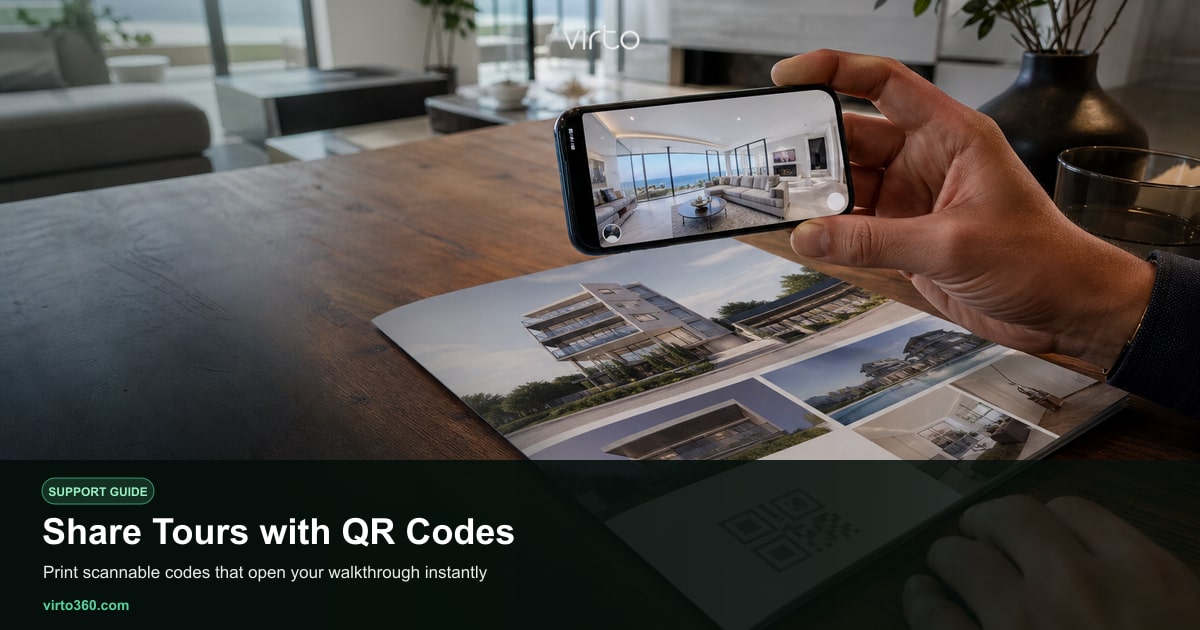
Need a free QR code for your virtual tour? Use the Free QR Code Generator for Virtual Tours (/free-qr-code-generator-for-virtual-tours) — paste any tour URL, generate, download PNG or JPG with no registration. A QR code turns any printed material into a doorway to your virtual tour. Scan with a phone camera, tap the notification, and the full 360° walkthrough opens in the mobile browser — no app install required. Virto 360 generates QR codes for free on the /share page after you publish a tour. Use them on property flyers, for-sale signs, hotel welcome cards, museum panels, or business cards.
Generate a QR code in /share
- Finish and publish your tour from /share (unpublished tours have no public QR target).
- Scroll to the QR code section on the share page.
- Download the PNG file, or screenshot the preview for quick tests. Share downloads PNG only (not SVG). For any HTTPS tour URL with PNG or JPG, use the free QR code generator for virtual tours.
- Test scan with your own phone before sending to print.
The QR encodes the same public URL as the Copy link button. If you republish after editing hotspots or replacing panoramas in /filters, the QR continues to work — you do not need new print runs unless you create an entirely new tour.
Design tips for print
- Minimum size — about 2 cm / 0.8 inch square on flyers; larger on yard signs viewed from a distance.
- Quiet zone — leave blank margin around the code; do not crop tight to the edge.
- Contrast — black on white scans most reliably; avoid low-contrast brand colors behind the pattern.
- Call to action — add text like Scan for virtual tour so people know what they get.
- Short URL fallback — include the plain link under the QR for users who prefer typing.
Where QR codes work best
Real estate agents put QR codes on window displays and open-house A-frames so drive-by traffic can tour after hours. Hotels place them on room folders or lobby stands for guests exploring amenities before booking spa or dining. Architects attach codes to project boards at site offices so stakeholders walk through progress remotely. Museums use small codes next to exhibit labels for audio-visual depth without crowding the gallery.
Mobile experience after scan
Virto tours are mobile-first. After scanning, viewers drag to look around and tap hotspots to move between rooms. They can switch to fullscreen for immersion or enter VR mode on supported phones and headsets — see vr-mode for headset details. Because Virto 360 is browser-based, iPhone and Android users get the same experience without downloading a proprietary viewer app.
Combine with embed and email
QR codes complement rather than replace other sharing methods. Embed the tour on your website for desktop visitors; email the direct link to relocation clients; print the QR for physical touchpoints. All options are free and managed from the same /share page. For website integration steps, read embed-tours; for first-time publishing workflow, see publish-tour.