Upload Insta360 Panoramas to Virto 360
From X4, X3, ONE RS, or GO — export 360 photos and publish free tours
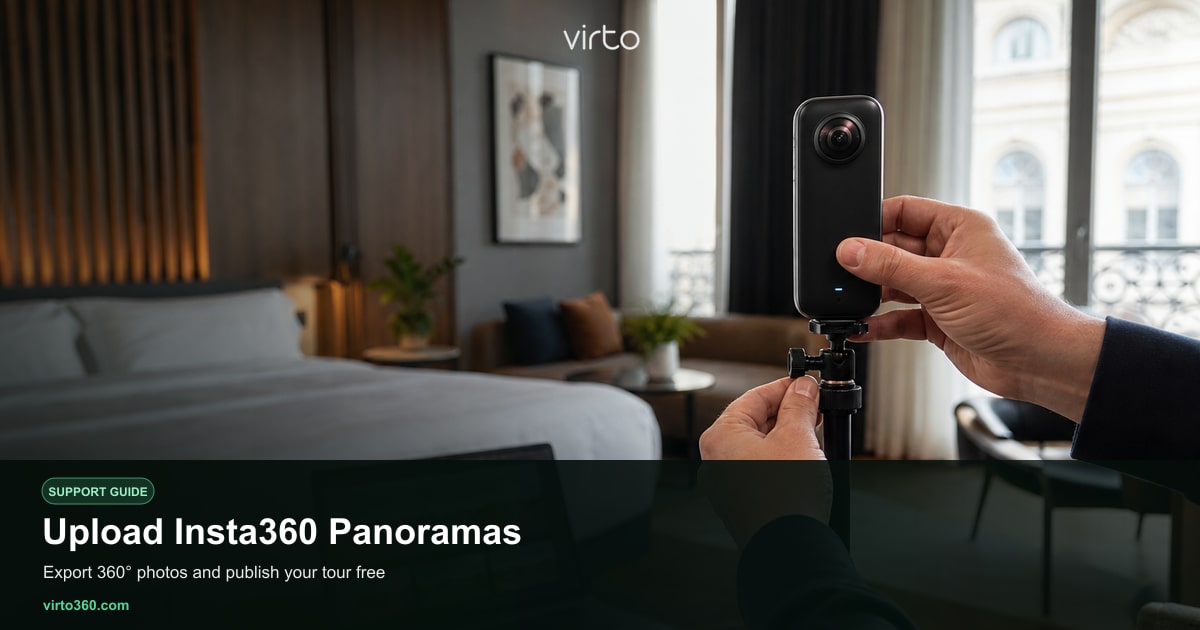
Insta360 cameras — X4, X3, ONE RS, ONE X2, GO series — produce high-resolution 360° stills that work directly with Virto 360. Export equirectangular JPG or PNG from the Insta360 app or Insta360 Studio, upload at /upload, and build your tour in /filters. No proprietary viewer and no paid export tier on Virto’s side; the full platform is free.
Capture settings on Insta360
- Photo mode — 360° still, highest resolution (72MP on X4, model-dependent on others).
- HDR photo — for interiors with windows; Insta360 merges brackets automatically.
- PureShot — optional on supported models for cleaner low-light noise before export.
- Invisible selfie stick — useful for outdoor facade or garden hero shots; less critical indoors on tripod.
- Timer — 2–5 second delay so you can hide before shutter.
Export equirectangular files
Virto needs flat equirectangular panoramas, not raw INSP or unstitched dual-fisheye. In the Insta360 mobile app, open each shot → export → 360 photo → JPG at full size. On desktop, Insta360 Studio batch-exports stitched panoramas from your camera files. Verify aspect ratio is 2:1 before upload. Filename room labels (kitchen, bed-2) save time when adding hotspots later.
- Shoot and review in Insta360 app while still on site — retake soft rooms immediately.
- Export stitched equirectangular JPGs to a folder on your computer or phone.
- Sign in at virto360.com and go to /upload.
- Drag all scene files into the upload zone or add them one at a time.
- Click through to /filters when processing completes.
Editing Insta360 uploads in Virto
Insta360 color science can run warm indoors under tungsten light. Use the filters panel in /filters to match exposure across scenes shot minutes apart. AI object removal helps with stick shadows on floors or stray packaging left in frame. Connect rooms with navigation hotspots — connect-panoramas — then publish at /share. Insta360’s FlowState stabilization applies to video; for still tours, tripod stability at capture matters more than post stabilization.
Field workflow tips
- Use a tall tripod; Insta360 lenses are sensitive to parallax if the pole is too short in tight rooms.
- Lens cloth — fingerprints show as smudges in every direction after stitch.
- Move cars, bins, and shoes before shooting; cleanup in AI is possible but slower than picking up once.
- For video-first shooters, remember Virto tours use still panoramas — grab dedicated 360 photo sets per listing.
Ricoh Theta users can follow upload-ricoh-theta for comparable steps. Both camera families land on the same free Virto path: /upload → /filters → /share. Viewers open tours in browser or VR mode without installing the Insta360 app.