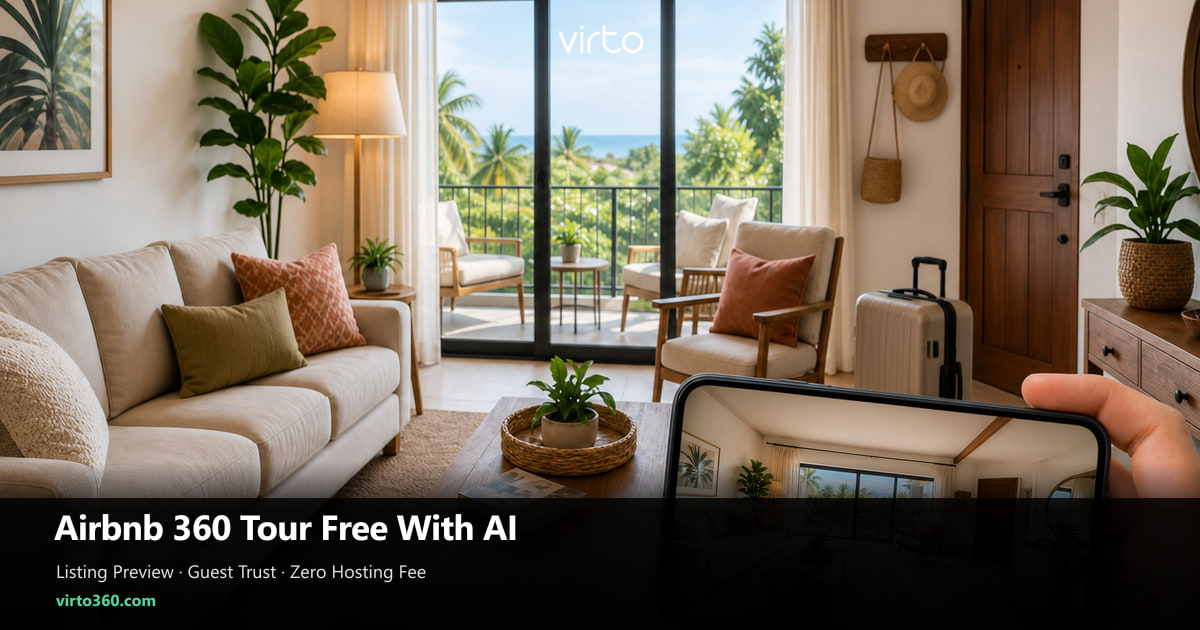
How to Make an Airbnb / Vacation Rental 360 Tour Free (With AI)
Guests reverse-image your hero shot. A free 360 walkthrough — cleaned up with light AI — answers the “how big is the couch gap?” messages before they hit Send.
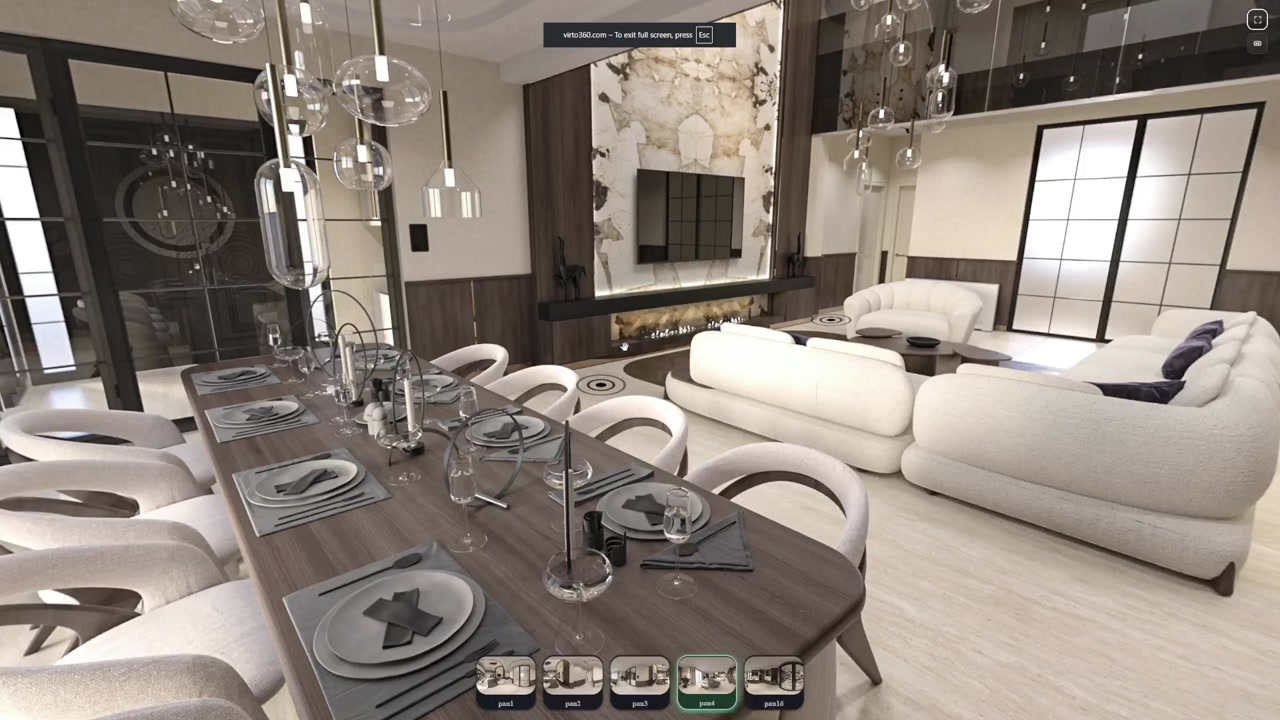
Airbnb’s photo grid is a highlight reel. The 2 a.m. cancellation fear lives in the gaps — the awkward hallway, the actual desk depth, whether two people can pass in the kitchen. Hosts who answer those gaps with a free 360 tour spend less time typing floor-plan essays in the app chat.
Why “3D tour for Airbnb” usually means still 360s, not a game engine
Guests say 3D when they mean “let me look around.” You do not need a textured mesh. Interactive panoramas with hotspots deliver the same trust signal and open in the phone they already use to book. Save true LiDAR scans for luxury villas with a photography budget — most Superhosts win with clear still 360s and an honest opening view.
Build the shot list from your message inbox
Export last quarter’s guest questions. Cluster them. If nine people asked about the loft ladder, that loft gets a panorama even if it is ugly — especially if it is ugly. Transparency converts better than cropping the ladder out of every flat photo.
- Sleeping setups — bunks, sofa beds, blackout quality visible with lights off then on
- Work corners — chair, screen glare, outlet reach
- Wet rooms — walk-in vs tub, hook count, whether two people fit
- Access — stairs count, elevator lobby, parking stall distance
- Outdoor claims — balcony depth, grill, true view vs listing crop
AI that helps hosts — and AI that gets you in trouble
Helpful: remove a cleaning caddy you forgot, erase your reflection in a TV, soften a temporary stain you will fix before the next stay. Risky: generating a fireplace that does not exist, widening a room, inventing a ocean view. Airbnb’s trust model punishes mismatch harder than a slightly imperfect panorama. Use AI as a spot eraser, not as a fantasy staging department.
In Virto 360, optional AI cleanup sits after upload — fix the one scene that would otherwise force a drive-back across town. Then stop. The tour should match what the key box opens onto.
Free publishing that does not nick your margin
Short-term margins already pay OTA fees. Avoid tour hosts that charge per property per month just to keep a link alive. A free browser publisher lets you refresh the tour when you swap a sofa without opening a subscription tab. Keep one stable URL per listing so old WhatsApp threads from repeat guests still work.
Where to put the link inside Airbnb’s rules of the road
- Listing description — short line near amenities: “360° walkthrough:” + https URL
- Saved replies — pre-approve and check-in templates with the same link
- House manual / printout — QR on the fridge for in-stay “where is the beach kit?” moments
- Off-platform site — if you run a direct site, embed the iframe there; keep Airbnb on the share URL
Do not fight the platform. Airbnb will not play your iframe inside their photo gallery like a native 3D host. Your job is to make the external link irresistible and fast — opening view set, mobile-smooth, no ad walls.
A weekend workflow for one listing
Saturday morning: shoot six scenes max while the cleaner finishes. Saturday afternoon: upload, AI only on the mess you cannot re-stage, hotspot the guest path from entry to bed to bath. Sunday: paste the link into the listing and send yourself a guest-style booking inquiry to confirm the message template looks human. Monday: you are done until the furniture changes.
Multi-listing hosts — patterns that scale
Name scenes with unit codes (2B-Kitchen) so co-hosts do not remix tours. Clone hotspot logic across identical floor plans, then swap panoramas. When a unit is under renovation, unpublish or replace scenes — a tour that shows last year’s sofa creates the same refund risk as outdated flat photos.
If you need the broader hospitality playbook
Boutique hotels and amenity-heavy rentals get a wider treatment in our hotels and vacation rentals guide. This piece stays on the Airbnb-shaped problem: free link, light AI honesty, inbox-driven shot lists. For the editor mechanics, use the free 360 tour editor article once your files are ready. Hosting, watermark and embed on the free plan: free 360 virtual tour software. Optional AI cleanup: AI virtual tour software. Platform overview: virtual tour software.
Frequently asked questions
Can I add a 360 virtual tour directly inside the Airbnb photo gallery?
Airbnb does not offer a native 360 host for every listing the way some real-estate portals do. The reliable approach is a fast external https tour link in your description and message templates, plus a QR in the house manual.
How do I make a 3D tour for Airbnb using AI without looking fake?
Capture real panoramas, then use AI only to remove temporary clutter or reflections. Do not generate amenities you do not have. Guests compare the tour to check-in reality within minutes.
Is there a free way to host an Airbnb virtual walkthrough?
Yes. Publish with free browser software such as Virto 360 — no per-listing hosting fee for the tour link. You still pay nothing extra just to keep the walkthrough online.
How many 360 photos does an Airbnb listing need?
Start with five to eight scenes tied to real guest questions. More rooms help only if each one answers a decision; empty identical bedrooms rarely add bookings.
Should vacation rental tours be different from hotel tours?
Yes. Hotels optimize room types and amenities; Airbnb listings optimize trust gaps in a single home — sleeping math, work setup, quirks. Shoot the objections, not a corporate amenity loop.