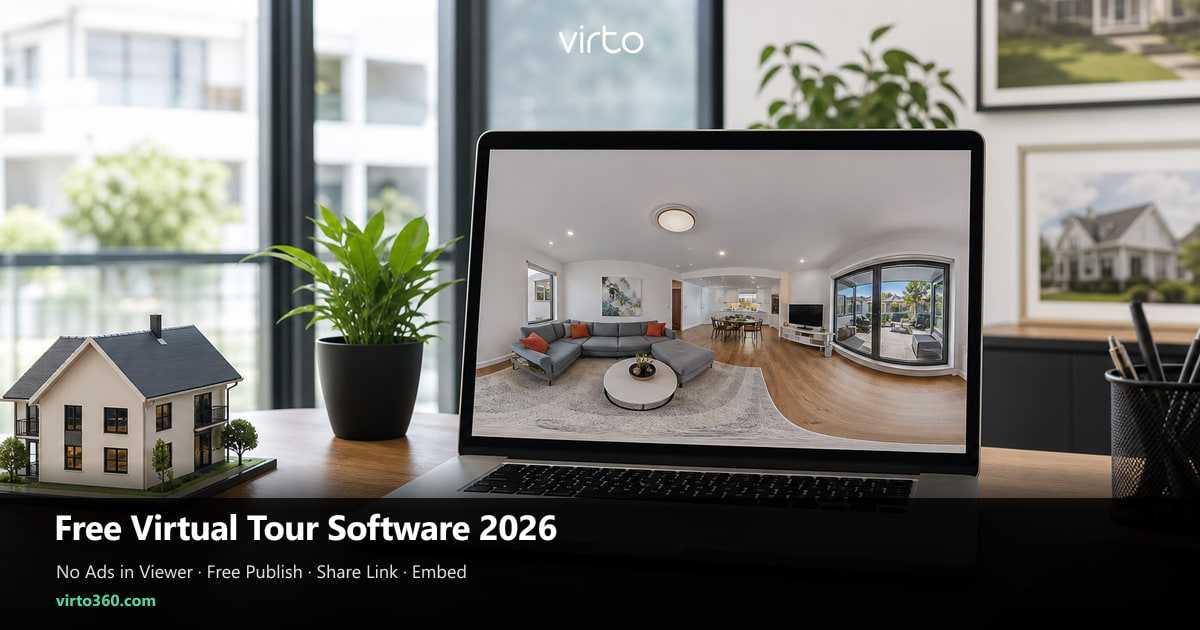
No Ads in the Virtual Tour Viewer — Free Plan Checklist (2026)
“Free” that puts banners inside a buyer’s walkthrough is not free — it is someone else’s ad inventory on your listing. Use this checklist; for what Virto’s free plan includes, use the dedicated free landing.
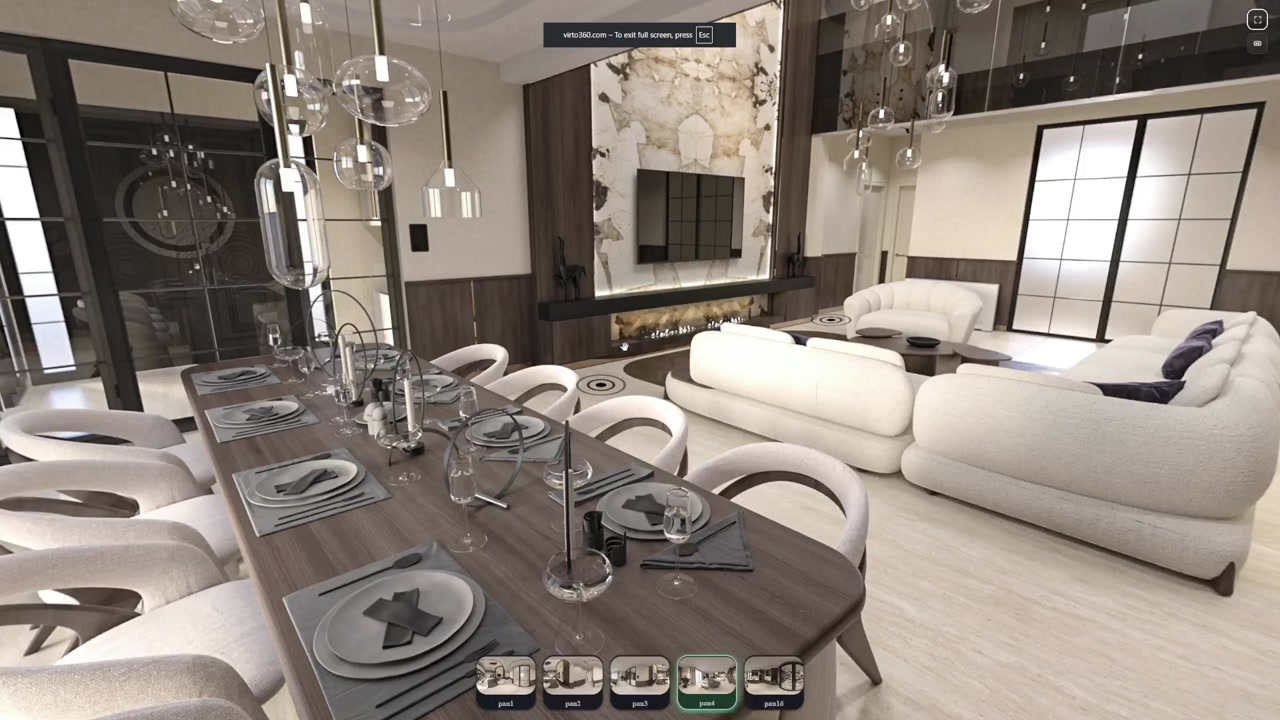
This post is not a second homepage and not a substitute for the free-plan landing. If you need “what is free / watermark / hosting,” go to free 360 virtual tour software. If you want AI cleanup, use AI virtual tour software. The homepage is the platform overview. Here we answer one narrow question: when a stranger opens your link, does the walkthrough still look like your brand — or like someone else’s ad slot?
Four things a no-ads free publish should deliver
- Viewer ads — any interstitial, sidebar, or pre-roll inside the tour fails
- Card wall — requiring payment details “just to verify” before first publish fails
- Mobile browser — if iPhone Safari cannot pan without an app install, fail
- Retention — if tours vanish after a quiet week, fail for listings that sit on market
Pass all four and you have a usable clean publish path. Fail one and you are unpaid QA for an upsell funnel. Soft branding (a small powered-by line) is a judgment call; full-screen ads are not.
What “no ads” means for buyers and guests
A tour is a stand-in for a showing. When a banner pops mid-pan, trust drops — not because the kitchen is wrong, but because the experience feels rented. Agents, hosts, and architects win when the only message on screen is the space. That is why no-ads publishing is a product requirement, not a nice-to-have checkbox.
A ten-minute publish check (use your own file)
- Time to first public URL with your own panorama (goal: under 20 minutes)
- Ads or upgrade modals during a logged-out viewing session (goal: zero)
- Tour still online after a week without logging in (goal: yes)
- Embed snippet available without a paid plan (goal: yes, if you have a website)
- Opening view controllable (goal: yes — otherwise link previews look random)
- Commercial use allowed on the free tier (goal: yes for agents and hosts)
Write yes/no against that list. Marketing adjectives do not survive an incognito phone session. Plan limits and watermark rules live on free 360 virtual tour software — do not treat this article as the plan page.
How Virto 360 delivers no-ads publishing
On Virto 360 you upload equirectangular photos, edit hotspots and filters, and publish share links, QR codes, and embeds without a paid gate for basic sharing. The viewer is for the tour — not for third-party banners. That is the product bet: keep the walkthrough clean so your property, hotel, or project stays the only message on screen.
It is not a laser-scan floor-plan service and not a native capture app. If you need a technician with a tripod cart, hire one and still host the deliverable where you control the link. If you already have panoramas and need a no-ads publisher, that is the lane.
Red flags that waste an afternoon
- “Free forever” landing page, but Share is greyed out until Pro
- Watermark that covers a chunk of the floor — buyers notice nadirs
- Unique URL every time you hit save — breaks MLS and printed QR codes
- Terms that ban real-estate or short-term rental use on the free plan
- Support docs that only show desktop installers for a “web” product
A sane 2026 workflow
Do not chase every new AI badge on day one. Publish one real property or rental, live with the link for a month, and reuse the same stack. Switching hosts mid-season creates zombie URLs — the silent killer of “why won’t the tour open?” texts from clients. When you do want AI cleanup, use AI virtual tour software — keep this page for the no-ads standard.
Next reads once you are ready to build
Free-plan facts: free 360 virtual tour software. Editing canvas: free online 360 tour editor guide. First tour from scratch: step-by-step create guide. Website iframe only: free website creator post. Keep this page for the no-ads publish standard, not the button-by-button how-to. Platform overview: virtual tour software.
Frequently asked questions
What should a free virtual tour with no ads mean in 2026?
A published tour that loads without viewer ads, a real https link without a credit card, mobile browser playback, and hosting that does not expire while your listing is live. Always verify with your own file in an incognito phone session.
Where do I find Virto 360 free-plan limits?
On the free 360 landing: free 360 virtual tour software — watermark, hosting, embed, QR, and who free is enough for. This article covers the no-ads viewer checklist only.
Why do some free tools still ask for a credit card?
That is usually a trial, not a free plan. If you cannot publish a public URL without payment details, treat it as paid software with a demo.
Can I use a free plan commercially if there are no viewer ads?
Only if the terms allow it. Check commercial-use language before you put client addresses online. Virto 360’s free plan is intended for real publishing, including listings and rentals — details on the free landing.
Free app vs free web platform for no-ads tours?
Prefer a web platform when clients and buyers open links on random phones. Native apps help capture; they rarely help distribution. A browser publisher plus a https link is usually the cleaner guest path.