Virtual Tour QR Codes from Virto Share
How to use the built-in virtual tour QR code in Virto Share after you publish. For a free QR without registration (PNG or JPG), use the Free QR Code Generator for Virtual Tours.
Quick answer: How to use the built-in virtual tour QR code in Virto Share after you publish. For a free QR without registration (PNG or JPG), use the Free QR Code Generator for Virtual Tours.
After you publish a tour on Virto 360, Share includes a QR for your public link. This page is the helper for that built-in tool. For the main free tool, use Free QR Code Generator for Virtual Tours.
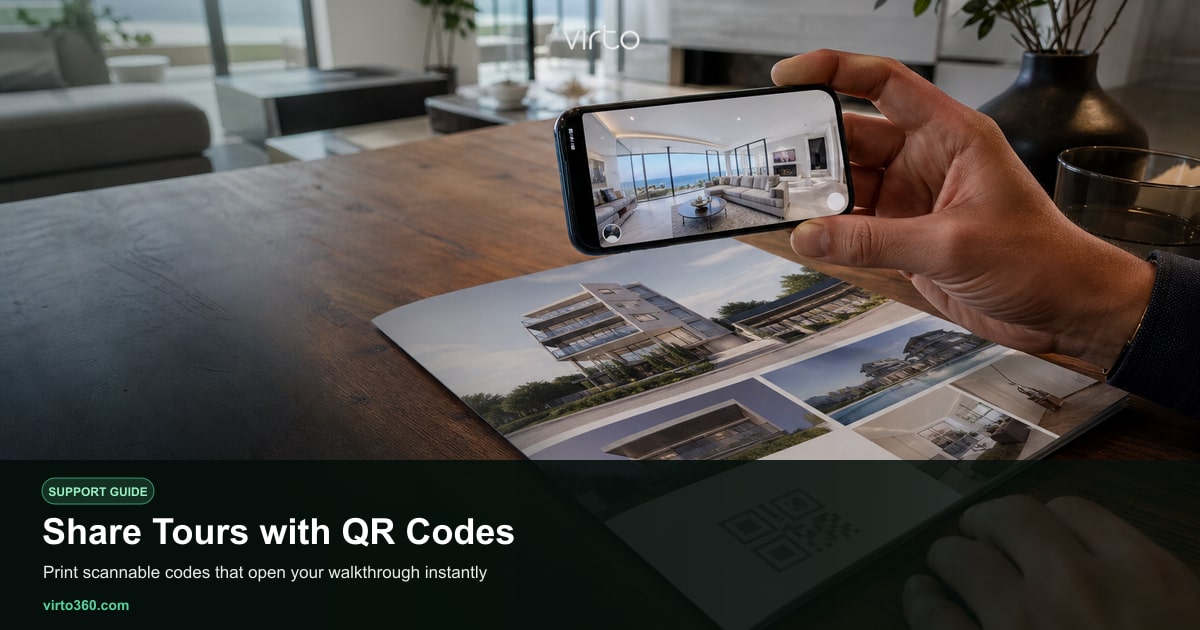
Share QR vs free generator
Virto Share QR is tied to the tour you just published — open Share and download or print that code.
The Free QR Code Generator for Virtual Tours is the main page when you paste any link (tour, listing, portfolio) and need PNG/JPG instantly.
Where teams print Share QR
- Real estate flyers and open-house boards
- Hotel key packets and room directories
- Architecture presentation boards
- Event booths and showrooms
Use cases
- Print marketing — One scan opens the immersive tour — no app store detour.
- On-site upsells — Let visitors preview another room or suite immediately.
FAQ
Where is the main free QR generator?
On Free QR Code Generator for Virtual Tours — paste any https link, generate, download PNG or JPG.
When do I use Virto Share QR?
When the tour is already published on Virto and you want the code that matches that share URL without pasting it elsewhere.
Does the QR require an app?
No. Phone cameras open the tour in the mobile browser.