No-Code Virtual Tour Builder — Publish 360° Tours in the Browser
No-code virtual tour builder for 360° walkthroughs. Upload panoramas, add hotspots, polish with filters (optional AI), then share a link, QR or embed — free, no coding.
Quick answer: No-code virtual tour builder for 360° walkthroughs. Upload panoramas, add hotspots, polish with filters (optional AI), then share a link, QR or embed — free, no coding.
A no-code virtual tour builder should feel like arranging rooms, not writing JavaScript. Virto 360 is built for that: upload 360° photos, connect doorways with hotspots, adjust looks with filters, and publish — without developers or desktop installs.
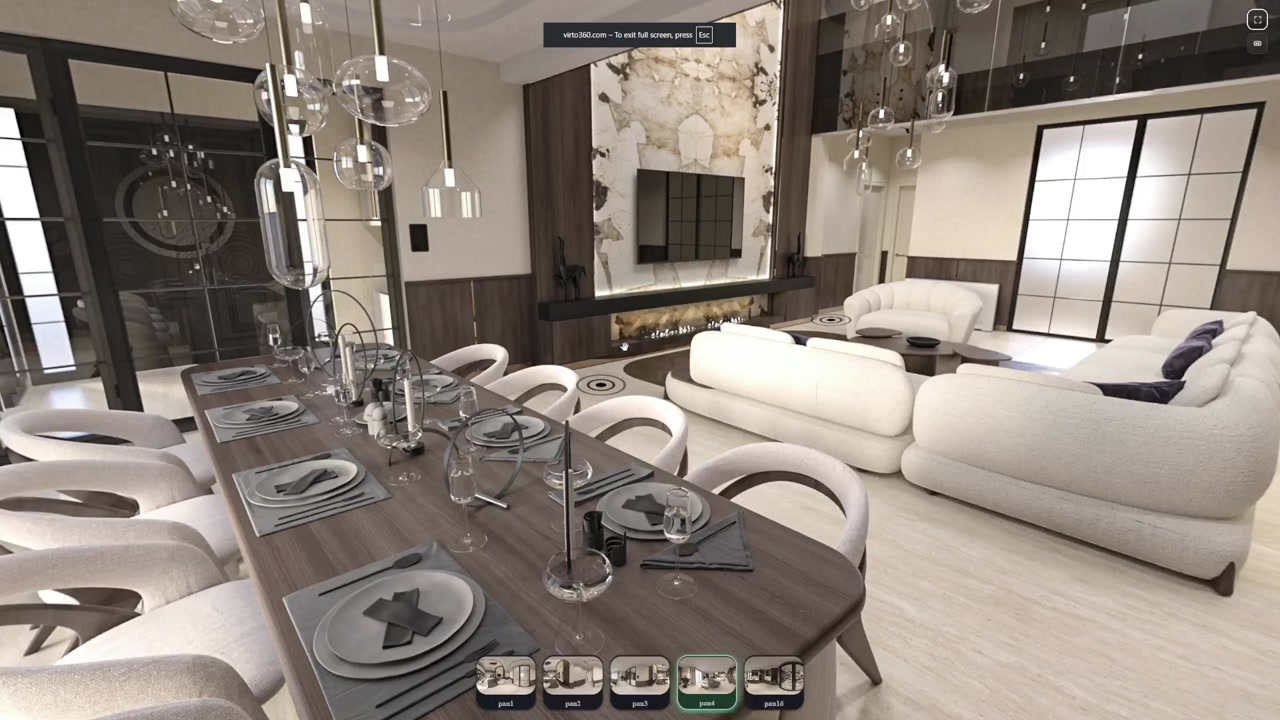
Build a tour without writing code
Sign up, upload equirectangular panoramas, name each scene, and place navigation hotspots where visitors should walk next. That is the entire core loop.
When a scene needs polish, use filters or optional AI cleanup. When you are ready, Finish publishes a shareable tour.
What you get out of the box
- Drag-and-drop style panorama upload in the browser
- Hotspots for room-to-room navigation and info points
- Filters for brightness, contrast and color balance
- Optional AI object removal / Generative Fill
- Share link, QR code and iframe embed after publish
No-code does not mean limited
You still control starting view, zoom per panorama, and how the tour is shared. Viewers do not install anything. You do not hire a developer to embed the tour on a listing or hotel site.
Use cases
- Agents & brokers — Publish a property walkthrough the same day you shoot.
- Small hotels — Update room tours without waiting on an agency.
- Studios — Hand clients a link instead of a zipped WebGL project.
FAQ
Do I need coding skills?
No. Virto 360 is a no-code virtual tour builder — upload, edit, publish.
Can I embed on my website?
Yes. After publish you get an iframe snippet for any site that allows embeds.
Is there a watermark?
No. Virto 360 does not stamp a watermark on published tours — free plan included. You can also hide the Virto logo in embed settings (ologo) when you share the iframe.