360 Panorama Optimizer — Compress 360 Photos Free
Compress a 360 photo or any picture in the browser. Pick 10%, 20% or 50% smaller, keep the pixels and the file type, then download. Free, no account. Nothing is saved.
Quick answer: Compress a 360 photo or any picture in the browser. Pick 10%, 20% or 50% smaller, keep the pixels and the file type, then download. Free, no account. Nothing is saved.
Drop a JPG, PNG or WebP, pick how much smaller you want it, and download the same format. The width and height stay the same. The file never leaves this browser.
Compress a 360 photo or any picture
Choose 10%, 20%, 50% or more. The width and height stay the same, the download keeps the format you uploaded, and the file is not saved.
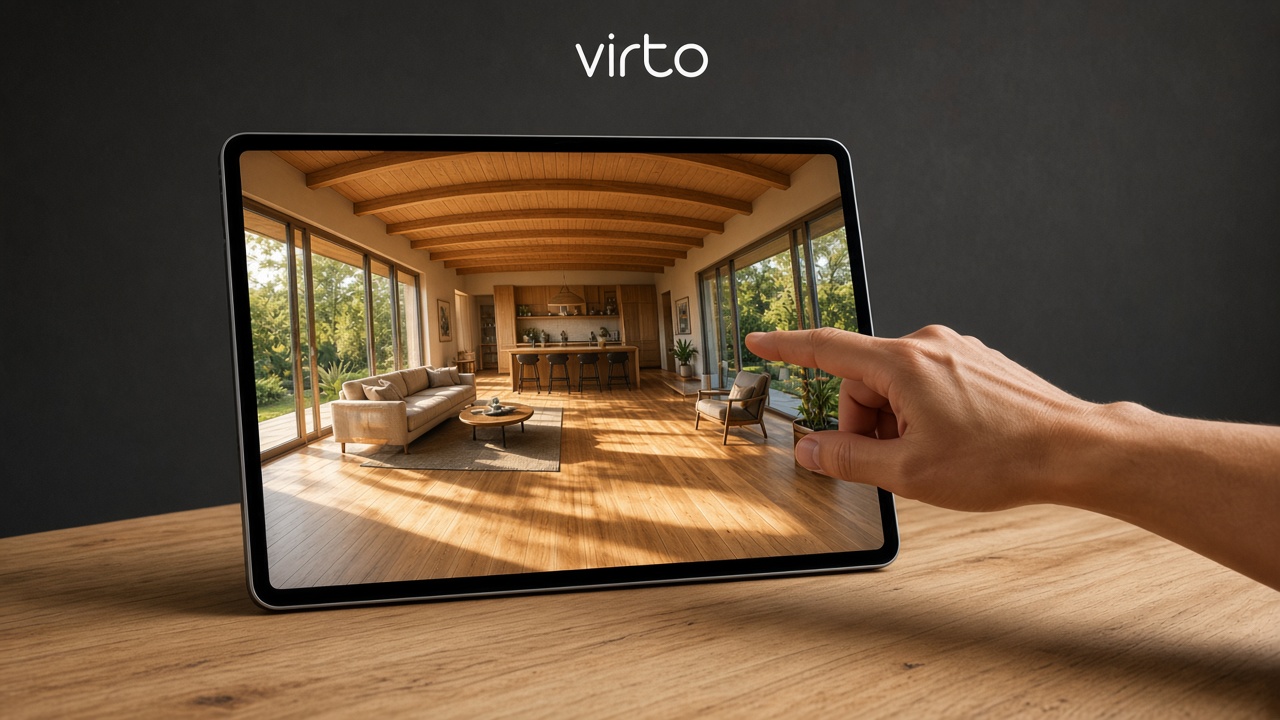
What is a 360 panorama optimizer?
A 360 panorama optimizer makes an equirectangular photo lighter so it is easier to send, attach or upload. You choose the percent — 10%, 20%, 50% and so on — and the download is about that much smaller.
The picture keeps its width and height. A 10% pass is a light squeeze, which is enough when a file is only a little over a limit. A 50% pass is a stronger squeeze. The file type stays the one you uploaded: JPG stays JPG, PNG stays PNG, WebP stays WebP.
Virto tours accept up to 20 MB per photo. A 22 MB panorama usually only needs 10%. When the walkthrough is ready, publish it with virtual tour software.
Compress any photo, not only 360
The same tool works on an ordinary 2D picture: a listing photo, a render, a scan or a phone shot. You do not need a 2:1 panorama.
Nothing is uploaded. The work happens in this tab. Close the page and the file is gone. There is no account and no gallery of other people’s pictures.
360 panorama optimizer for real estate

Listing cameras often export a file just over the size a portal or a tour upload will take. Drop the room photo, choose 10% or 20%, and download a copy that still has the same pixel size.
Preview the room in the 360 panorama viewer online, then publish the walkthrough with virtual tour software for real estate.
360 panorama optimizer for architects
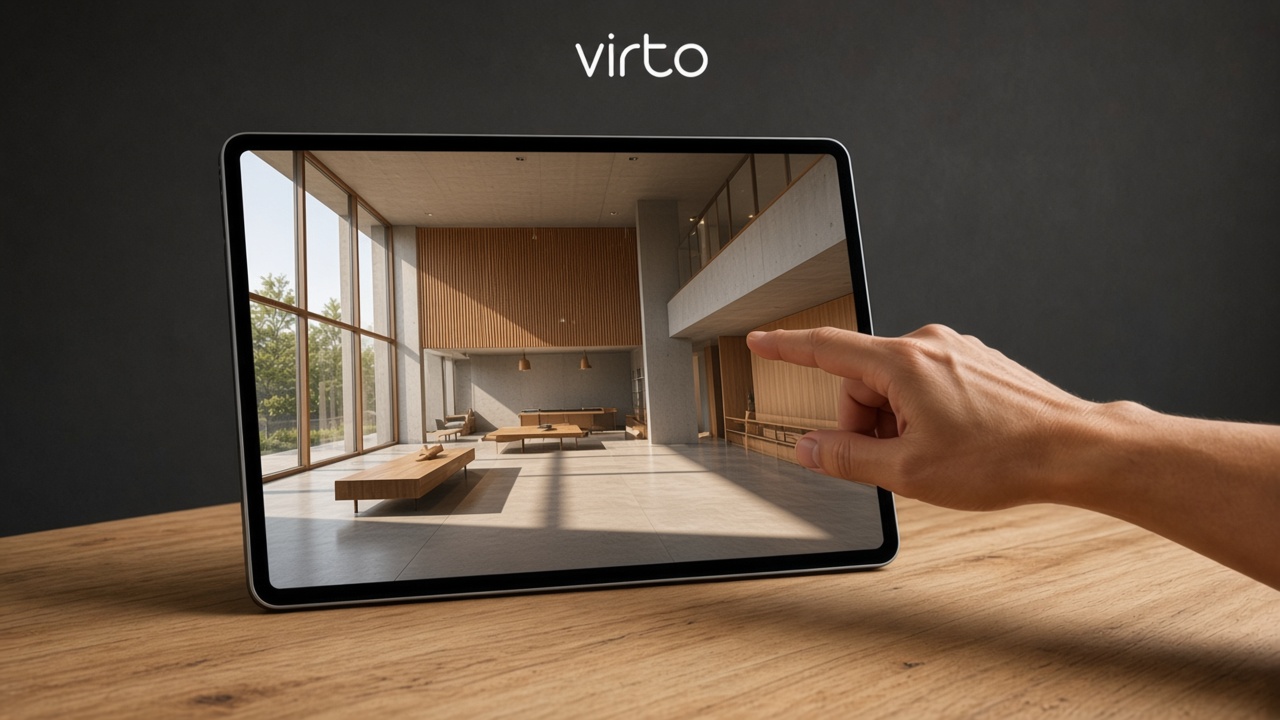
A competition render or a site panorama can be huge and still only need a small reduction before it goes in an email or a tour. Keep the resolution, change the file size.
When the client should walk the project, build it in virtual tour software for architects.
360 panorama optimizer for photographers
Delivery folders fill up fast when every frame is a full 360 photograph. Shrink the copy you send, and keep a heavier original on your own disk.
This page is not a portfolio. A hosted walkthrough starts in AI virtual tour software for photographers.
How to compress a 360 photo
1) Drop a JPG, PNG or WebP — a 360 photo or any ordinary picture. 2) Pick 10%, 20%, 30%, 40%, 50%, 60%, 70% or 80%. 3) Press Compress. 4) Download. The name keeps the same format. 5) Close the tab. The picture was never stored.
360 panorama optimizer for hotels
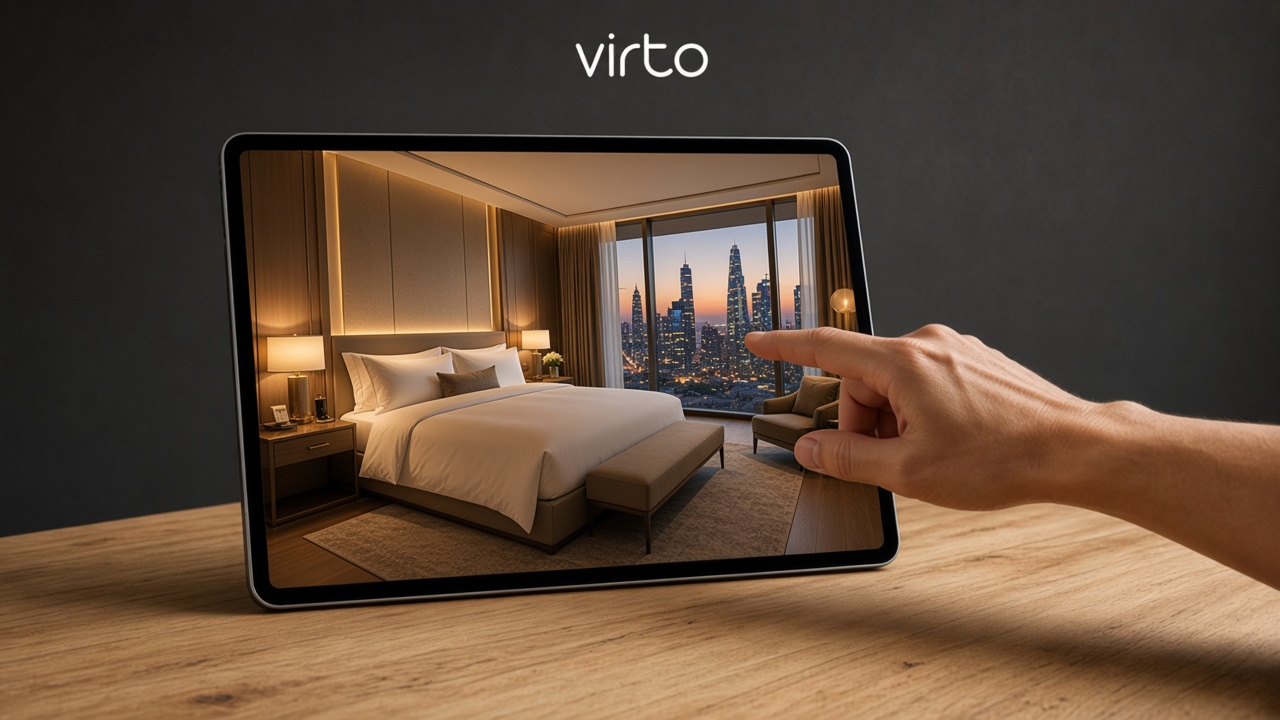
Room photos from a 360 camera are often one step over the size a booking page or a tour will accept. Ten percent is usually enough, and the room stays the same size on screen.
A guest walkthrough belongs on virtual tour software for hotels.
360 panorama optimizer for museums
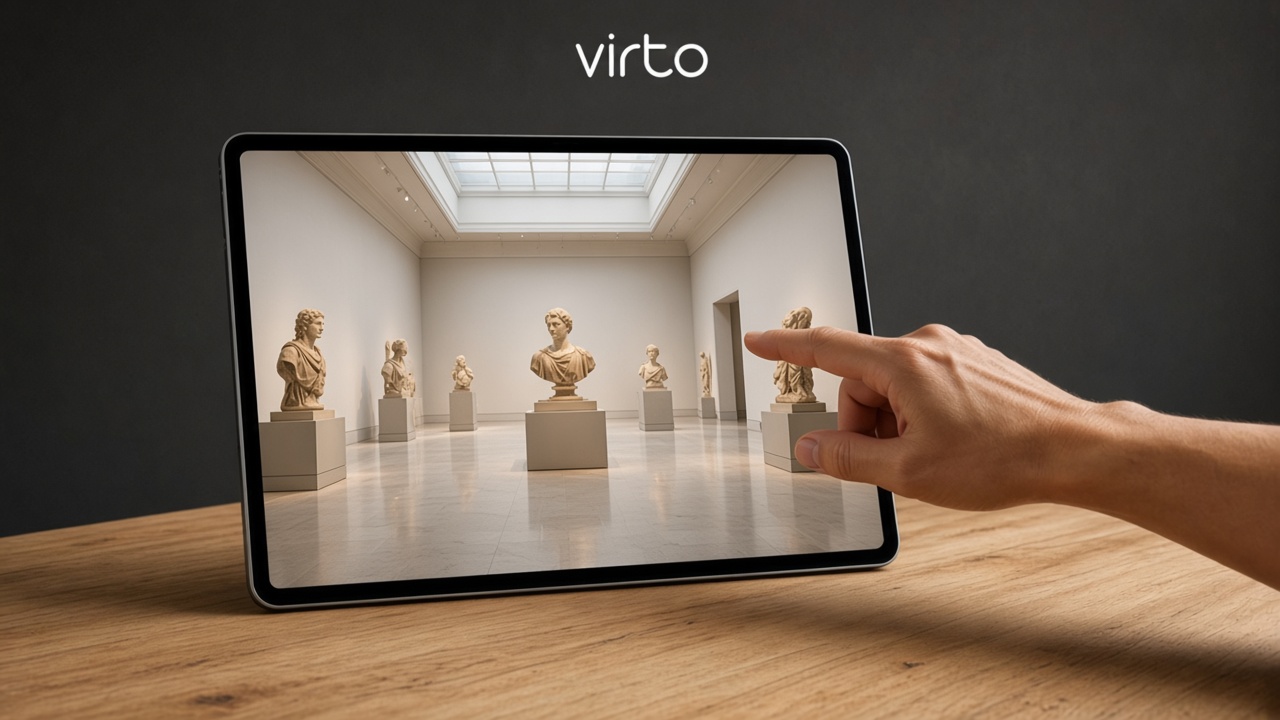
Gallery panoramas are detailed. Compress the file you need to move, without turning the hall into a small thumbnail.
A public exhibit tour, with a link visitors can keep, is a published tour on Virto 360.
360 panorama optimizer for construction

Progress photos leave the site office on a phone or a laptop. A lighter copy is easier to send the same day, and the frame stays large enough to read the work.
For a link the owner can reopen, use virtual tour software for architects.
FAQ
Is the 360 panorama optimizer free?
Yes. No account. Drop a photo, pick a percent, download.
Do you store my photo?
No. Compression runs in this browser tab. The file is not uploaded. Close the page and it is gone.
Will the resolution change?
The width and height stay the same. Only the file gets smaller. If a picture is already packed so tightly that the percent cannot be reached that way, the tool says so instead of quietly ruining it.
Does the download stay in the same format?
Yes. JPG comes back as JPG, PNG as PNG, and WebP as WebP.
What does 10% mean?
The file becomes about 10% smaller. A 22 MB photo lands near 20 MB, which fits a Virto upload. 50% means about half the file size.
Can I compress a normal photo, not a 360?
Yes. Any JPG, PNG or WebP. A panorama is not required.
Is this a virtual tour?
No. This page only makes one file lighter. A tour — rooms, hotspots, a link — starts with Get started.