Tiny Planet Maker — Little Planet from a 360 Photo
Turn a 360 photo into a tiny planet, tunnel, fisheye or crystal ball in the browser. Spin it, then download the full-size picture. Free, no account. Nothing is saved.
Quick answer: Turn a 360 photo into a tiny planet, tunnel, fisheye or crystal ball in the browser. Spin it, then download the full-size picture. Free, no account. Nothing is saved.
Drop a 360° photo, spin the little planet, and download it at full size. Free, no account. The picture stays only while this page is open.
Make a tiny planet from a 360 photo
Drop an equirectangular photo, pick little planet, tunnel, fisheye or crystal ball, then download the full-size picture. Nothing is stored.
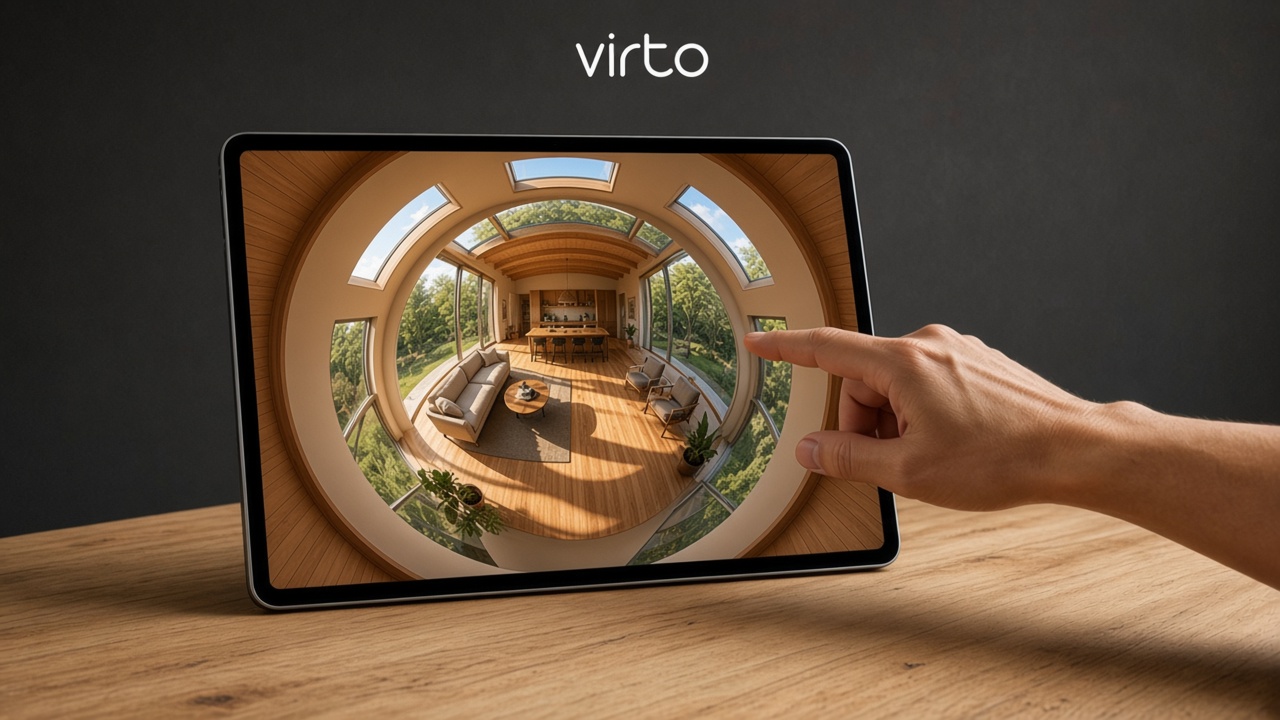
What is a tiny planet maker?
A tiny planet maker turns one equirectangular 360 photo into a round little world. The ground curls into a planet and the sky wraps around it. That projection is called stereographic, and it is the same little-planet look used inside a Virto tour.
You can also switch to a tunnel, a fisheye, a bulge, a crystal ball or a mirror ball. Drag to spin, move the horizon, change size, brightness, contrast, color and sharpness, then download the square picture at the full width of the photo you opened.
An equirectangular 2:1 panorama makes a true tiny planet. A normal photo still opens, but it will not wrap into a planet the same way. If the file is heavy, run it through the 360 panorama optimizer first. To look around the original, use the 360 panorama viewer online.
Tiny planet for real estate
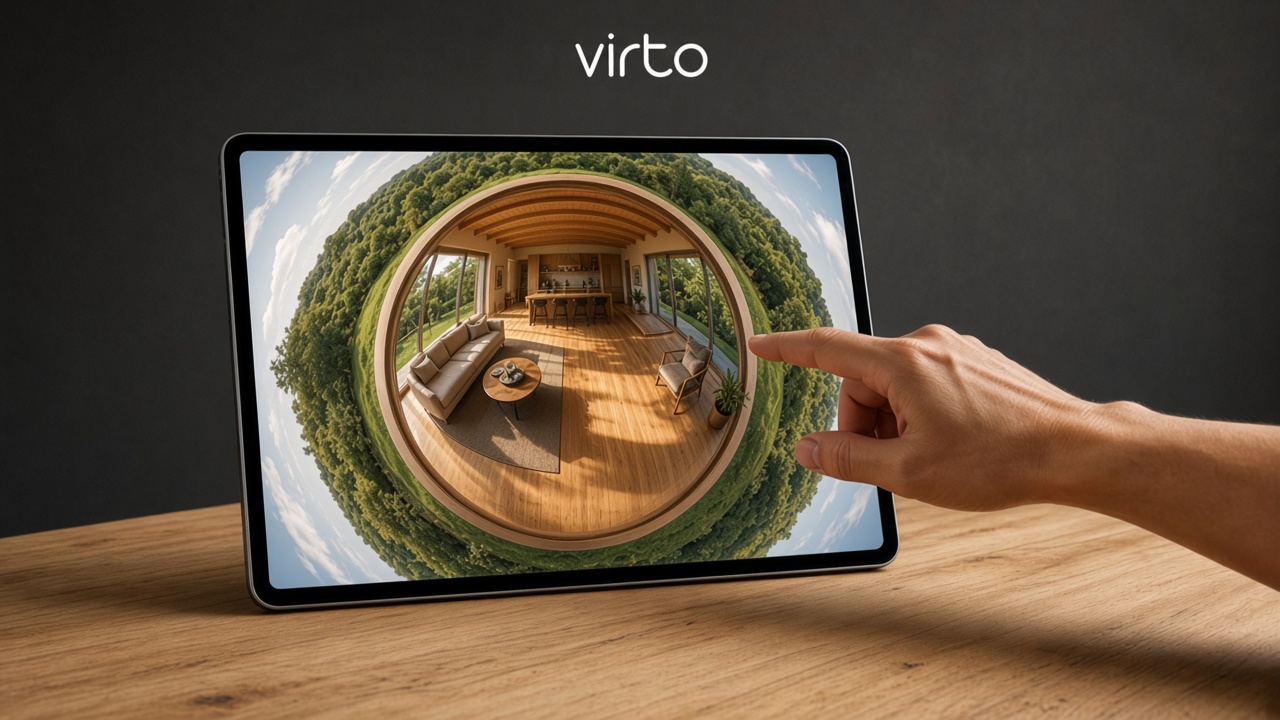
One listing panorama becomes a round picture for a flyer, a story or a social card, while the full walkthrough stays a tour.
Publish the rooms with virtual tour software for real estate, and print the link with the free QR code generator.
Tiny planet for architects
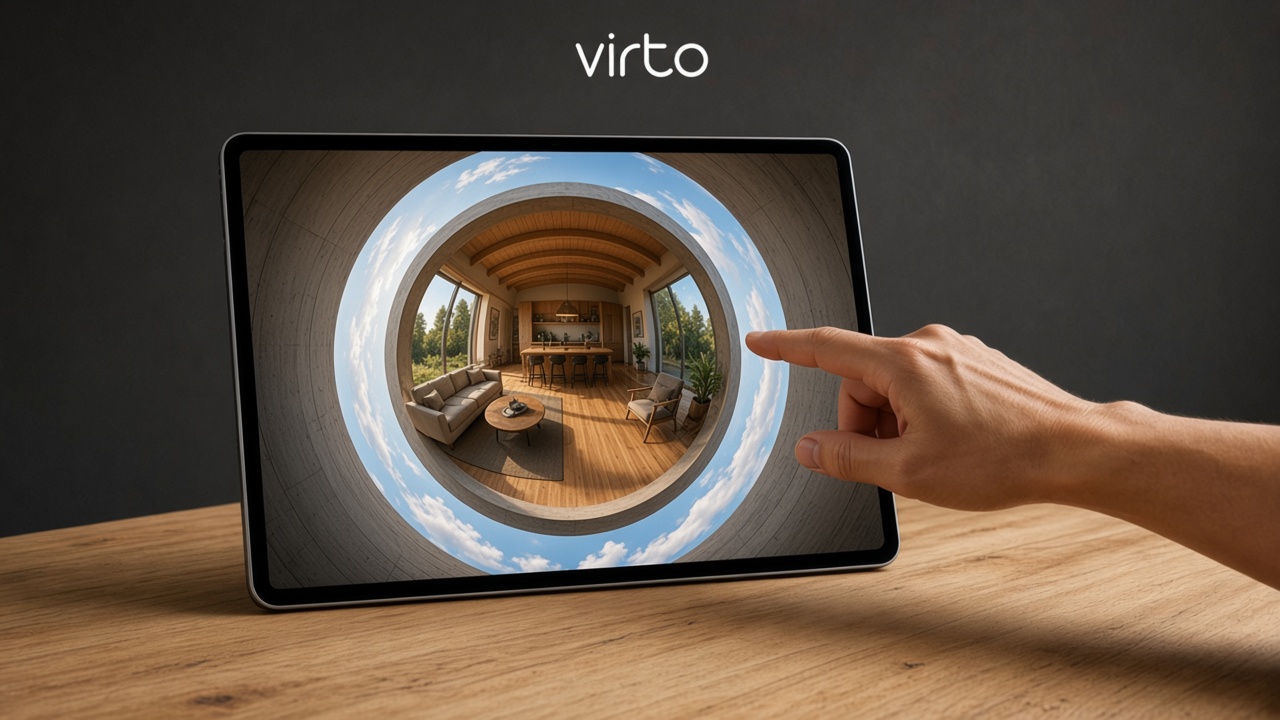
A presentation board can carry a little planet of the space next to the plans. Spin it until the opening you care about sits in the middle, then download the full-size square.
The walkthrough the client keeps is built in virtual tour software for architects.
Tiny planet for photographers
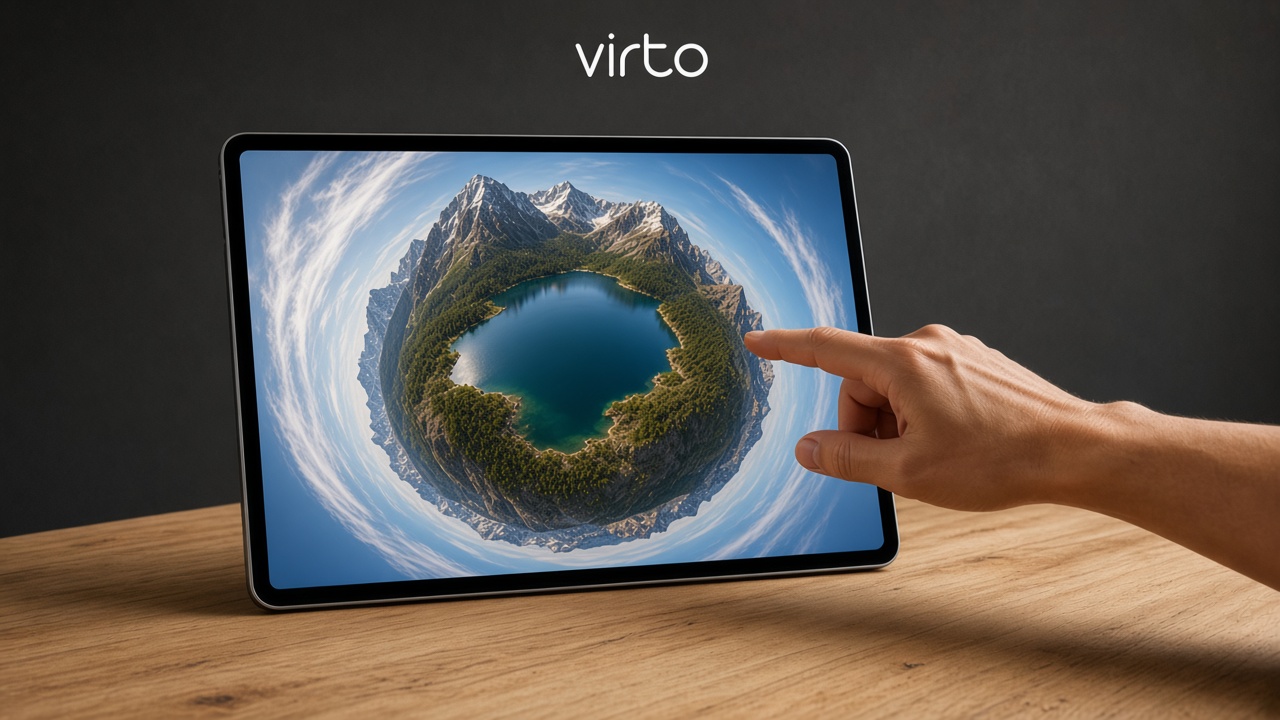
Photographers use the little planet as its own picture: a landscape, a street or a room, round and ready to deliver. The download is the full size of the panorama’s width, not a screenshot of the preview.
Round crop saves a PNG with a clear outside. Everything else downloads in the format you uploaded. A hosted set of rooms still starts from AI virtual tour software for photographers.
How to make a tiny planet
1) Drop an equirectangular JPG, PNG or WebP. 2) Leave Little planet, or try Tunnel, Fisheye, Bulge, Crystal ball or Mirror ball. 3) Drag to spin. Set size, horizon, brightness, contrast, color and sharpness. Auto spin plays a slow turn. 4) Download. 5) Close the tab — the photo is not kept.
Tiny planet for hotels
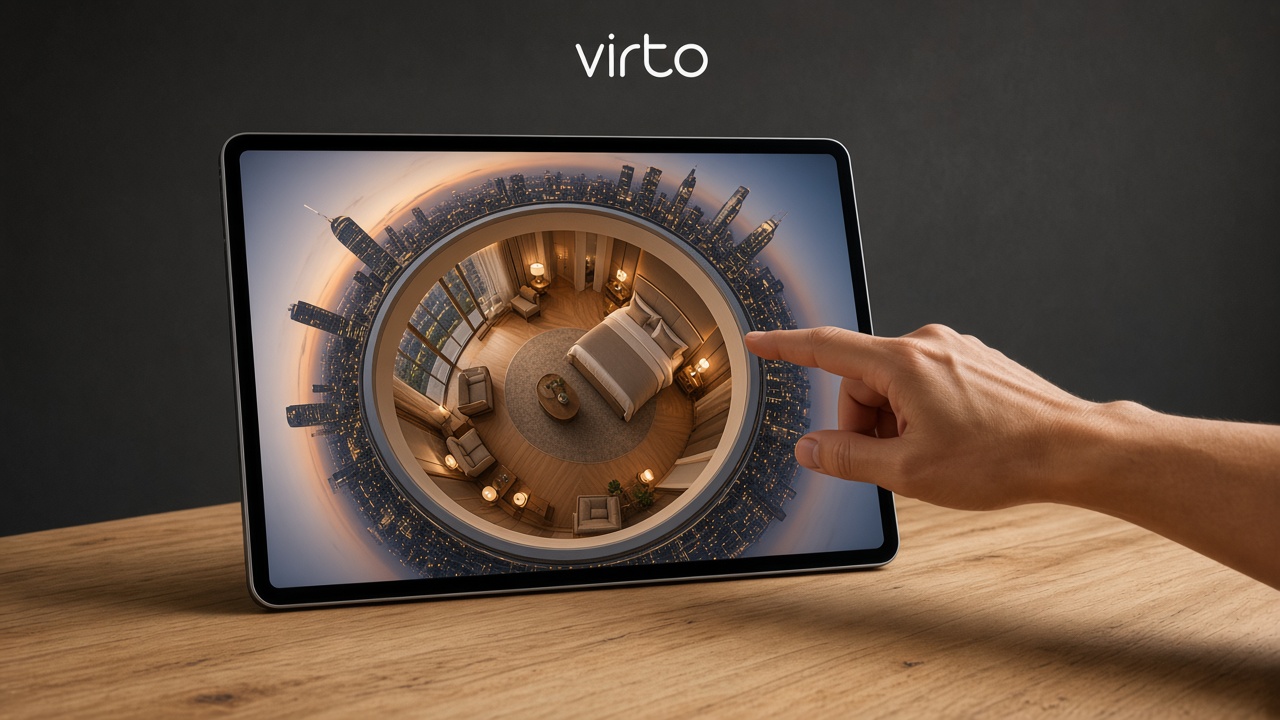
A round suite photo works on a room card or a social post. Guests who should walk the room still need the tour, not only the planet.
That walkthrough is virtual tour software for hotels.
Tiny planet for museums
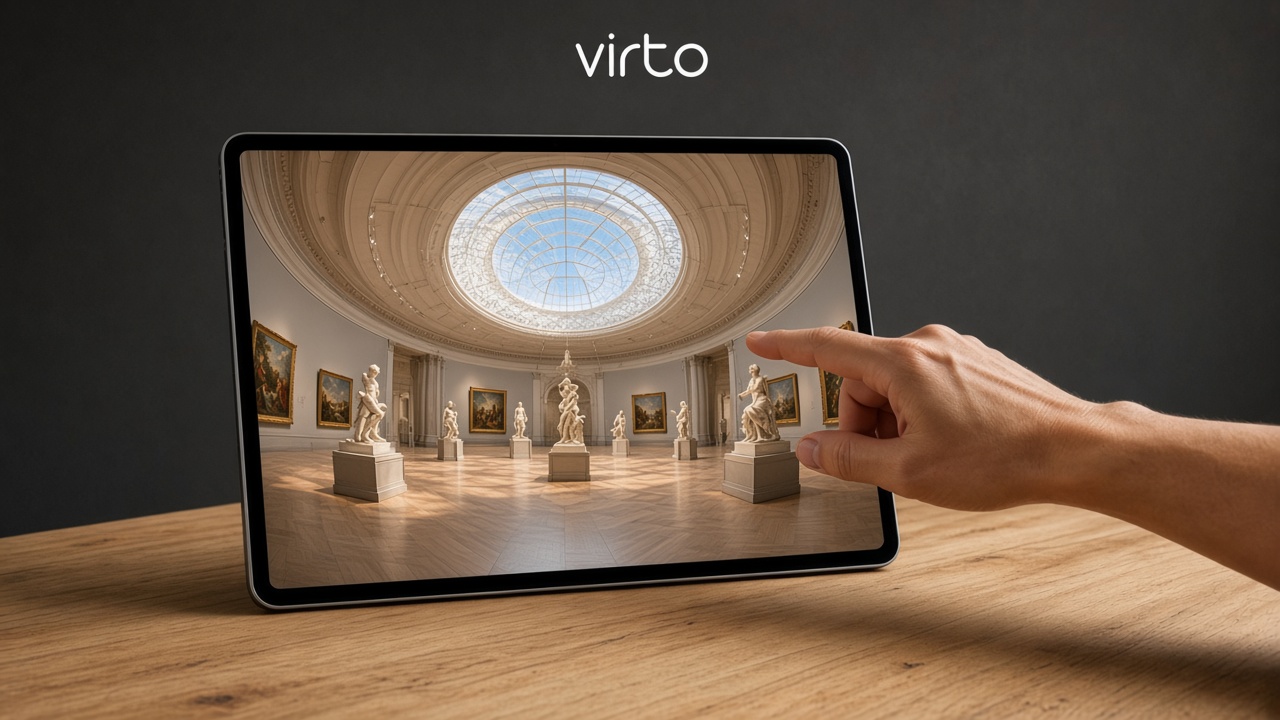
A gallery panorama makes a striking little planet for a poster or a label, with the hall curled into one circle.
The exhibit people can reopen later is a published tour on Virto 360.
Tiny planet for construction

A progress panorama can be turned into one round picture for a report. The site stays readable because the download keeps the full width of the photo.
For a link the owner can reopen, use virtual tour software for architects.
FAQ
Is the tiny planet maker free?
Yes. No account and no app. Drop a 360 photo, adjust it, download.
Do you store my photo?
No. The picture stays in this browser tab. It is not uploaded. Close the page and it is gone.
Is the download full size?
Yes. The square is as wide as the photo you opened, up to what your browser can draw. It is not a small screenshot of the preview.
What photo works best?
An equirectangular panorama, 2:1, JPG, PNG or WebP. That is what wraps into a real little planet.
Which looks can I make?
Little planet, tunnel, fisheye, bulge, crystal ball and mirror ball — the same projections as in a Virto tour — plus spin, horizon, brightness, contrast, color, sharpness, mirror and a round crop.
Does round crop change the format?
Round crop downloads a PNG so the outside of the circle can stay clear. The other downloads keep the format you uploaded.
Is this a virtual tour?
No. One picture, while the tab is open. A tour with rooms and a link starts with Get started.