AI Generative Fill for 360° Photos
Use AI generative fill on 360° panoramas — stage a small empty area, repair a patch, then keep building the virtual tour in the same browser.
Quick answer: Use AI generative fill on 360° panoramas — stage a small empty area, repair a patch, then keep building the virtual tour in the same browser.
Generative fill is for a small empty problem in a 360° photo: a blank ledge, a dull corner, a blown sky patch. Mask tightly, describe the fill in a few words, preview while you pan, then continue the tour in the same editor.
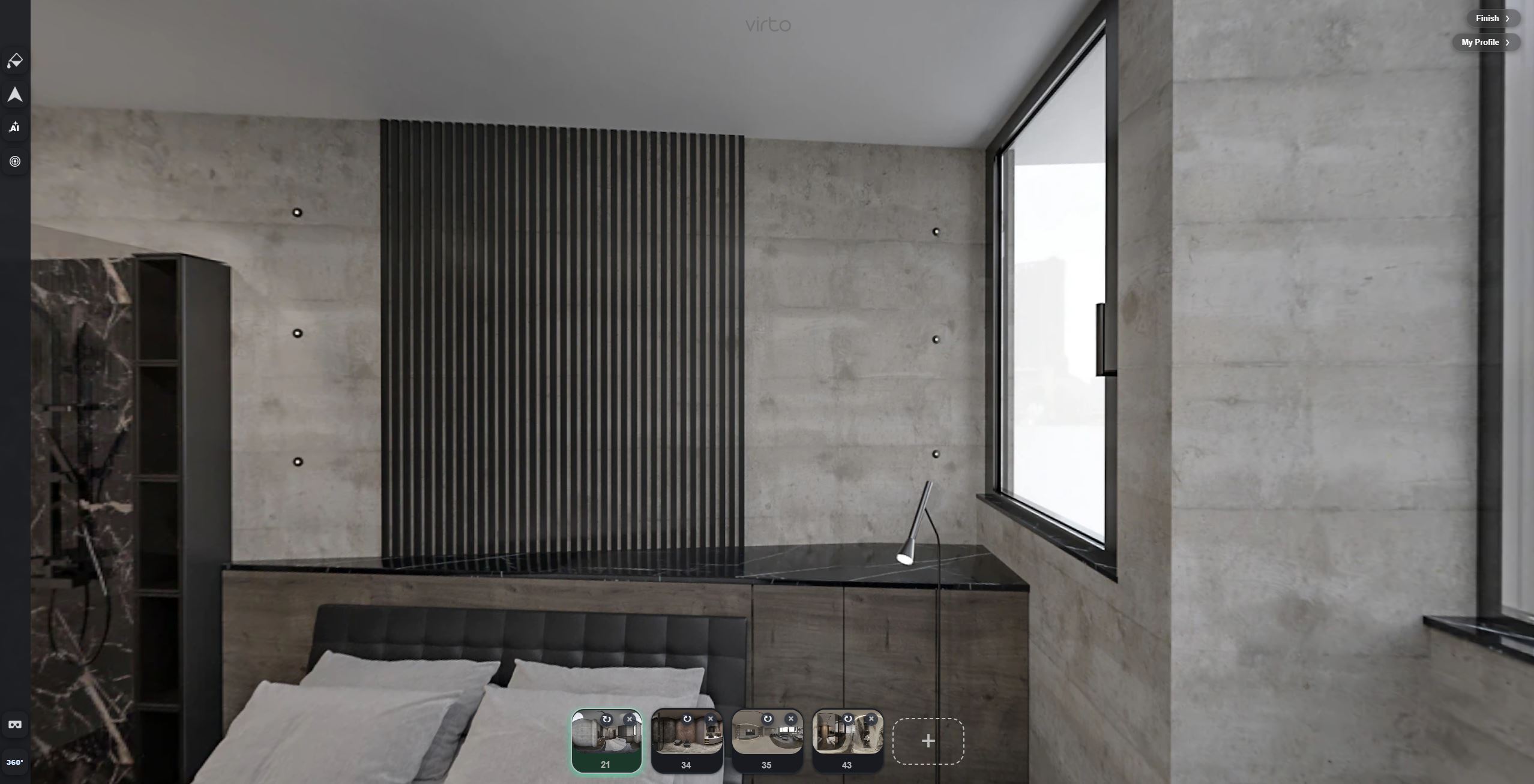
When generative fill helps
Use fill when a small area is empty or broken: a ledge that needs a plant, a dull corner, a blown sky through a window. Keep the rest of the room honest.
- Light staging on a shelf or ledge
- A small sky or window patch
- Covering a tiny damaged area after cleanup
When fill is the wrong tool
Do not invent a view the buyer will not see in person. Do not rebuild a whole room. If something should simply disappear, use AI object removal instead.
See AI Generative Fill in Action
Paint an empty ledge and add a simple fill without leaving the virtual tour editor.
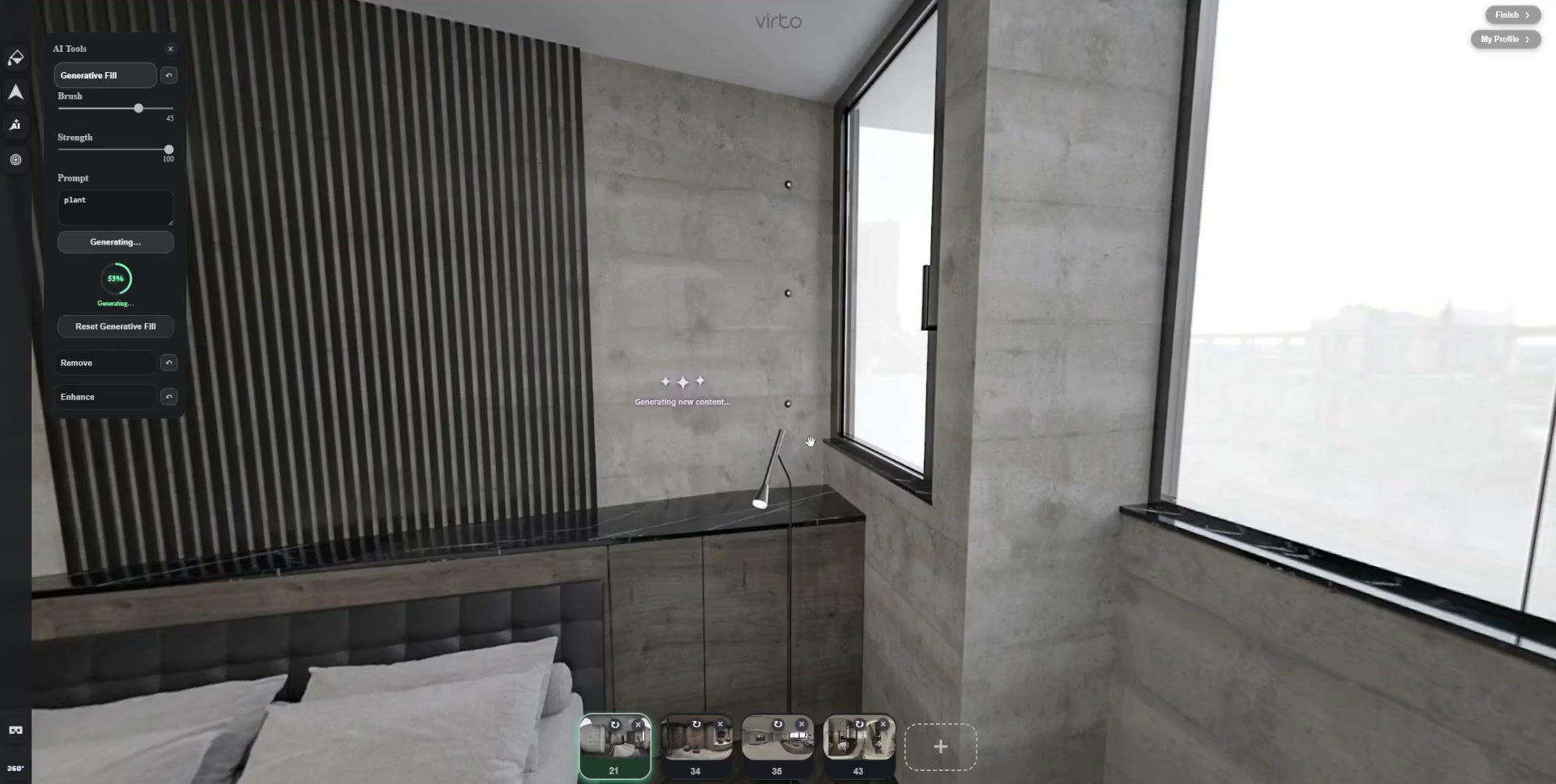
How to use Generative Fill on a 360° photo
- Finish the tour structure — Upload panoramas and place hotspots so the walkthrough works before you paint pixels.
- Pick one empty spot — A ledge, blank corner, or blown sky patch — not the whole room.
- Mask tightly — Brush only the empty area, then type a short fill such as “green potted plant”.
- Preview in 360° — Pan, look down, check mirrors. Undo and mask smaller if edges look wrong.
- Publish — Continue hotspots and share the same tour URL.
Fill vs Object Removal vs Enhance
Removal deletes what is already there. Fill adds a small piece of content. Enhance lifts the whole frame. All three sit inside AI virtual tour software.
A longer practical guide: AI Generative Fill for virtual tours.
Where teams use generative fill
- Real estate — A plant on an empty ledge — not a fake garden the listing photos do not show. Real estate tours
- Hotels — A small staging add in a room tour after housekeeping leftovers are gone. Hotel tours
- Architects — A sky patch in a render — design errors still belong in the model, not in AI. Architecture tours
FAQ
Can I add a plant to a 360° photo with AI?
Yes — mask the empty ledge tightly and describe a simple fill. Preview while you pan so the plant sits on the surface.
Do buyers see that AI was used?
They should not notice a small honest fill. If the edit looks invented, undo. The tour still opens as a normal share link.
Do I need Photoshop?
No. Generative fill runs inside the Virto 360 browser editor.
How is this different from object removal?
Removal erases something already in the frame. Fill reconstructs or adds a small patch you describe.